1. Skills
What belongs in a skill
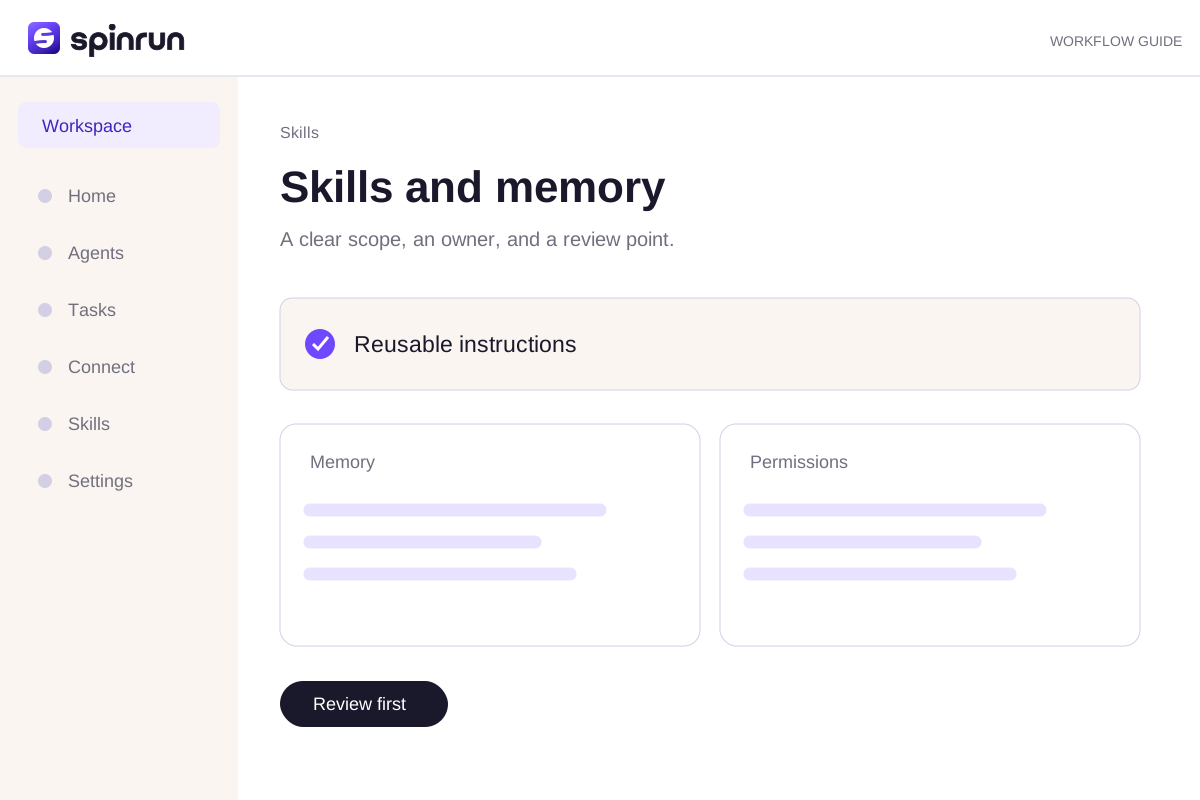
A skill describes a repeatable process: its purpose, inputs, steps, output, and review boundary. Keep account-specific secrets outside it. Include the source locations the agent should use and the action to take when a source is unavailable.
Create or edit the instruction
Open Skills to create a skill or update an existing one. Use a name that describes the job. A skill can provide instructions and supporting resources; access to external tools still comes from the workspace's connections.
Test with a real example
Run the skill on a small input you understand. Check the result and the steps that produced it. Make a concrete correction in the skill when the process is wrong rather than adding a vague instruction to 'be better.'
2. Personalize Spinrun
Use instructions for stable preferences
Explain the tone, output format, and decision boundaries you want the agent to follow. A stable preference belongs in the relevant settings or skill rather than being repeated differently in every request.
Separate a preference from a fact
A preference such as 'use concise updates' is different from a team fact such as an account's reporting timezone. Include the source and owner for facts that may change. Do not treat private notes as shared team policy.
Check workspace scope
The account menu selects the active workspace. Use settings for the workspace you intend to change. A connection or instruction in one workspace does not automatically become available in another.
3. Skills marketplace
Read before installing
Open a skill's details to inspect its purpose, required tools, and supporting resources. A marketplace listing is an instruction package; it should not be mistaken for access to an external account.
Install in the right workspace
Check the active workspace before installation. A team may have an administrator policy for installing or publishing skills. Use the permissions and controls shown in the product.
Adapt the skill
Review the installed instruction and replace examples with your own source locations. Run it with a small input and inspect its result. Avoid placing credentials in a skill or uploading private customer data as a public example.
Try a brief you can review
Use these approved notes to draft a short team update. Link factual claims to their sources. List assumptions and questions. Stop before external changes.Try the hands-on practice to check your instruction before using it in a real workspace.
Review before repeating
Inspect the draft and confirm its sources. Correct one specific part of the process when the result falls short. Save a reliable instruction as a skill and assign a teammate to maintain it.