1. Plans and credits
One balance per workspace
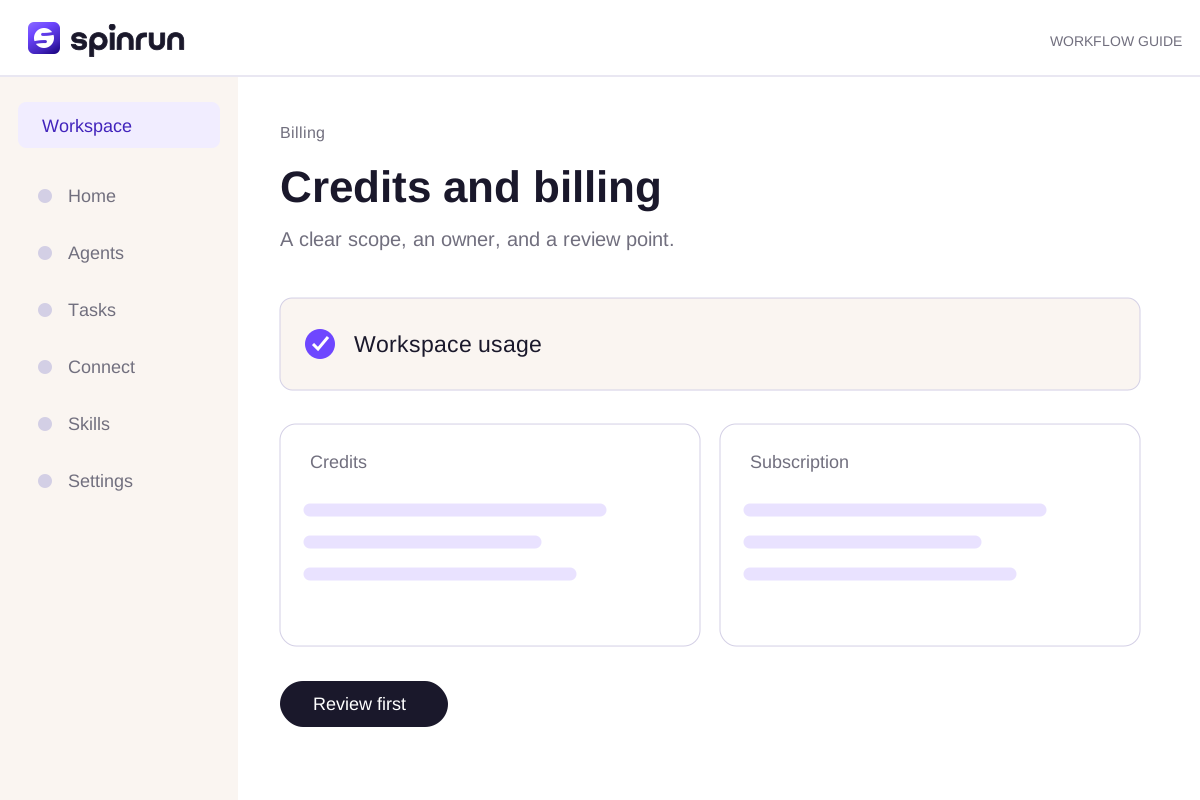
Credits belong to the active workspace. An eligible new customer's first personal workspace receives one permanent starter grant of 10,000 credits. Additional workspaces and invited users do not create another starter grant.
Monthly paid plans
The current catalog bills in EUR monthly. Pro starts at €30 for 30,000 credits. Check Pricing for the current volumes and options rather than using a price from an older screenshot. Billing changes require the appropriate workspace administrator role.
Different credit sources
Included credits are spent first, then purchased top-ups, then permanent promotional credits. Included allowance expires at its paid period boundary. Top-ups, starter credits, and referral credits persist.
2. Check your usage
Open Usage in the right workspace
Confirm the active workspace in the account menu, then open Usage. A person's other workspace may have a different balance and plan. Check the reporting period before comparing totals.
Balance and history answer different questions
The available credit balance represents what the workspace can spend now. Usage history records activity over a period. A historical usage total is not a second spendable credit pool.
Inspect a surprising task
Read the task's saved activity and compare its scope with the instruction. Large inputs, repeated work, and unnecessary tool calls can add cost. Correct the process rather than relying only on a model switch.
3. Running out of credits
Check the workspace and balance
Confirm which workspace the task uses. A balance in another workspace cannot fund this one. Review Usage to understand whether the task is blocked by its available credit pool.
Choose a supported billing action
A workspace administrator can use the Billing controls for the available subscription or top-up options. Read the current price and volume before Checkout. Credits arrive through verified payment reconciliation.
Keep the next task smaller
Limit the date range and source material. Ask for a brief plan before a broad task and separate draft work from external actions. Avoid repeating a full run when only one section needs correction.
Try a brief you can review
Use these approved notes to draft a short team update. Link factual claims to their sources. List assumptions and questions. Stop before external changes.Try the hands-on practice to check your instruction before using it in a real workspace.
Review before repeating
Inspect the draft and confirm its sources. Correct one specific part of the process when the result falls short. Save a reliable instruction as a skill and assign a teammate to maintain it.