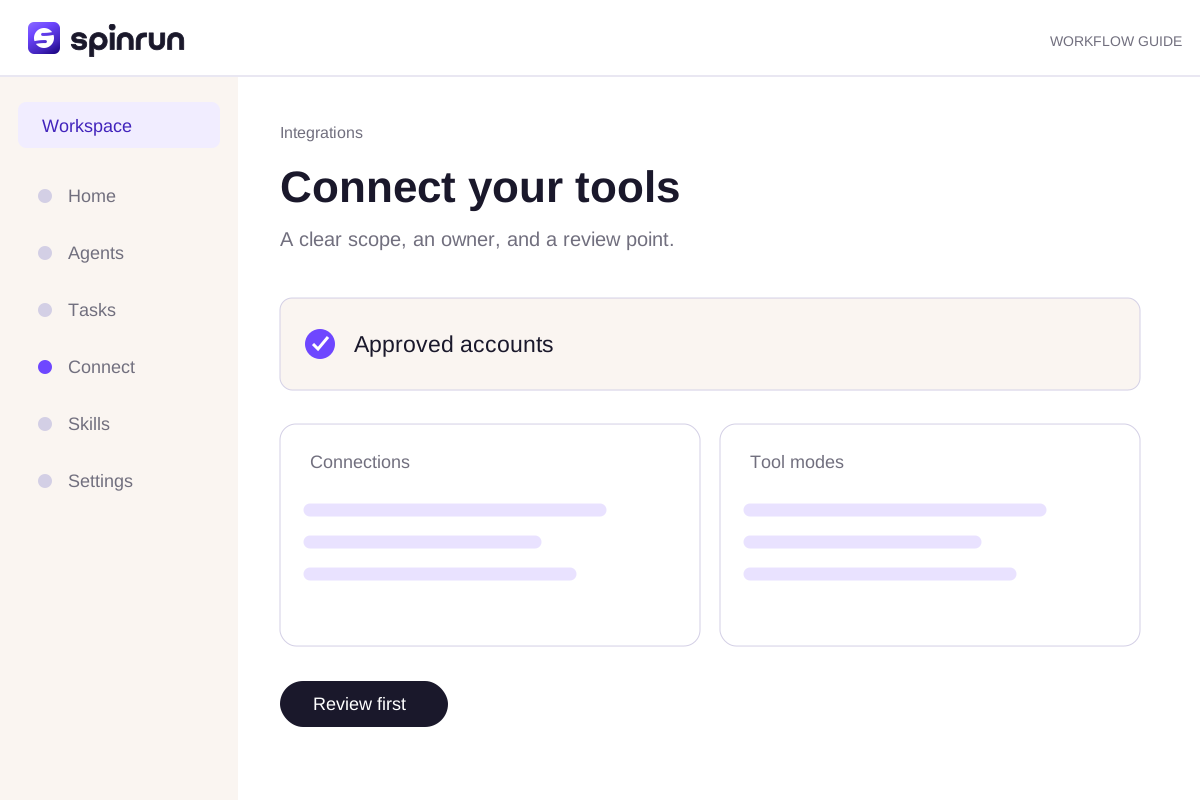
1. Connect your tools
Find the application
Open Integrations and search for the application you want. Choose a supported connection method. A catalog entry describes a possible integration; connection readiness and the provider's own authorization rules determine whether you can use it.
Authorize the correct account
Follow the provider's authorization flow or enter credentials in the secure connection form. Read the requested permissions. Never paste credentials into chat, a shared document, or a support email.
Check access and tool modes
Name the connection so teammates can distinguish accounts. Review its scope and permission modes. A personal account and a shared team account may have different readers even when they connect to the same provider.
2. Integration permissions
Separate access from permission to act
An account's provider permissions determine what the credential can reach. Spinrun's workspace and tool rules determine who can use that connection and how its actions run. Review both layers when adding a sensitive account.
Prefer a narrow scope
Give a task the smallest useful set of tools and accounts. A reporting workflow usually needs reads before it needs writes. Keep a human review point for messages, publishing, record changes, and other consequential actions.
Change standing rules carefully
Use administrator settings for persistent permission changes. A chat instruction is not a role change. Recheck the rules when a workflow changes purpose or begins using an additional account.
3. Manage integrations
Identify each account
Use clear names for connections and check the provider account shown with them. Multiple accounts should be easy to distinguish by purpose, region, or owner. A renamed connection still represents the same authorized account.
Reconnect when access expires
If a provider revokes or expires authorization, open the affected connection and follow its reconnect flow. Confirm the account before returning to a task. Review whether a failed write may already have reached the provider.
Adjust access deliberately
Use the connection's available permission controls to restrict its tools and audience. Administrator controls can be narrower than provider access. Keep a sensitive connection separate from a broadly shared reporting source.
Try a brief you can review
Read a known record from the approved account. State which account and date you used. Do not change anything. If access fails, report the provider error.Try the hands-on practice to check your instruction before using it in a real workspace.
Review before repeating
Inspect the draft and confirm its sources. Correct one specific part of the process when the result falls short. Save a reliable instruction as a skill and assign a teammate to maintain it.