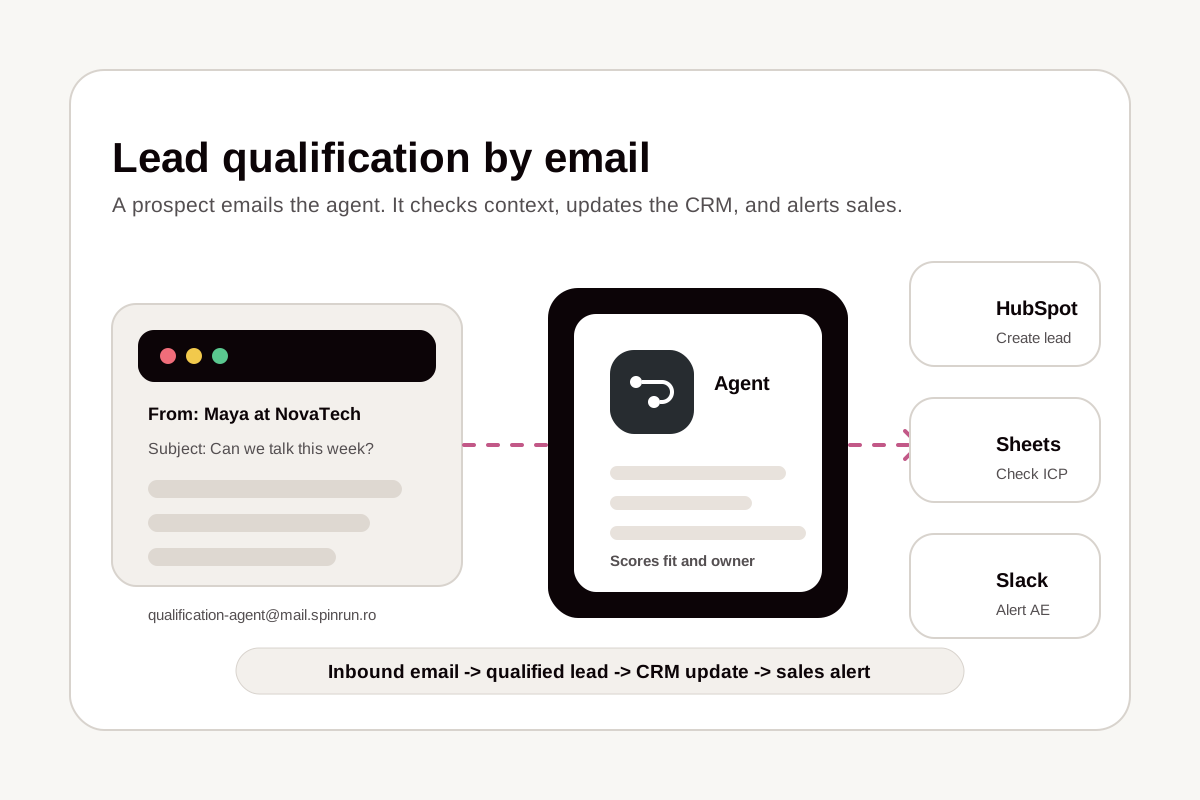
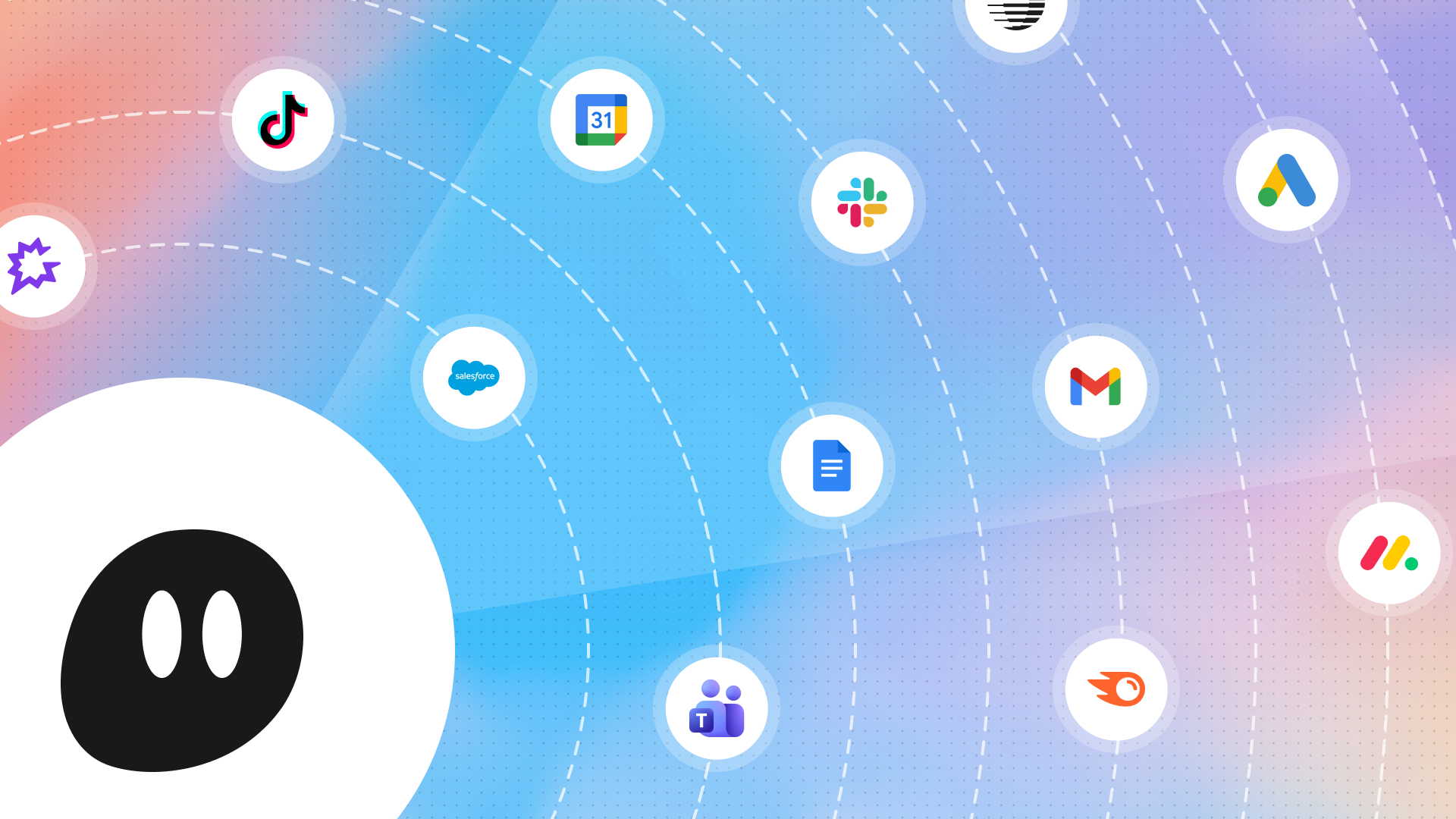
Spinrun agents can start from events in connected apps. Instead of running an agent manually, teams can describe the event they want watched and let the agent monitor the relevant tools.
What changed
Spinrun agents can now react when something happens in an app, across multiple apps, on a schedule, or from web-based signals.
Example trigger patterns include:
- A CRM lead moving into a new pipeline stage.
- A support ticket receiving a new comment.
- A person joining a specific Slack channel.
- A scheduled weekday summary.
- A competitor publishing or announcing something new.
The bigger change is that the trigger can be conditional. An agent can watch one event and then check other systems before deciding whether to run. For example, a support ticket could trigger an account alert only when billing, CRM, and renewal data all match the right conditions.
Setting up a trigger
The Spinrun workflow is chat-based: tell the agent what situation to watch, then let it configure the monitoring behavior.
Common examples include:
- Daily Slack summaries: Send a weekday morning summary of important unread conversations in selected channels.
- Pre-meeting briefings: Send calendar context before meetings by pulling details from sales and prospecting tools.
- Email triage: Label incoming messages based on sender type and business rules.
- Sales outreach: Monitor stale opportunities and draft personalized follow-up when a prospect company has relevant news.
- Renewal risk alerts: Notify account owners when support and renewal signals point to elevated risk.
- Competitive monitoring: Watch competitor content and create a follow-up task or draft when a gap appears.
How triggers work
Spinrun agents can monitor connected MCP servers by creating background scripts. The polling frequency depends on what the agent expects to observe. Low-frequency events can be checked less often, while near-real-time monitoring can run more frequently.
Spinrun uses a credit model for monitoring. Polling checks have a lower cost, and the larger run cost applies when the trigger criteria are met and the agent actually fires.
Monitoring the situation
The practical result is that agents can wait for work to become relevant instead of requiring a human to start every run.
That makes triggers useful for operational workflows where timing matters: customer support, sales follow-up, account management, content monitoring, meeting preparation, and internal notifications.
Once an agent has instructions, connected apps, and the right skills, a trigger can make it run at the right time with the right context.