Agentic AI tools are becoming the operating layer for modern work. Instead of asking a model for a one-off answer, teams now expect AI systems to plan, call tools, move through multi-step workflows, and hand back finished work.
That shift is useful, but it also makes tool selection harder. A chat assistant, workflow builder, AI coding agent, open-source orchestration framework, and enterprise automation platform can all call themselves "agentic." They do not solve the same problem.
This guide compares eight agentic AI tools across the jobs teams actually hire them for: business workflow automation, research, coding, internal operations, AI agent building, and enterprise governance.
What is an agentic AI tool?
An agentic AI tool is software that can use AI models to pursue a goal across multiple steps. A simple chatbot waits for each prompt. An agentic system can decompose a task, choose tools, call APIs, use context, recover from partial failures, and return a final result.
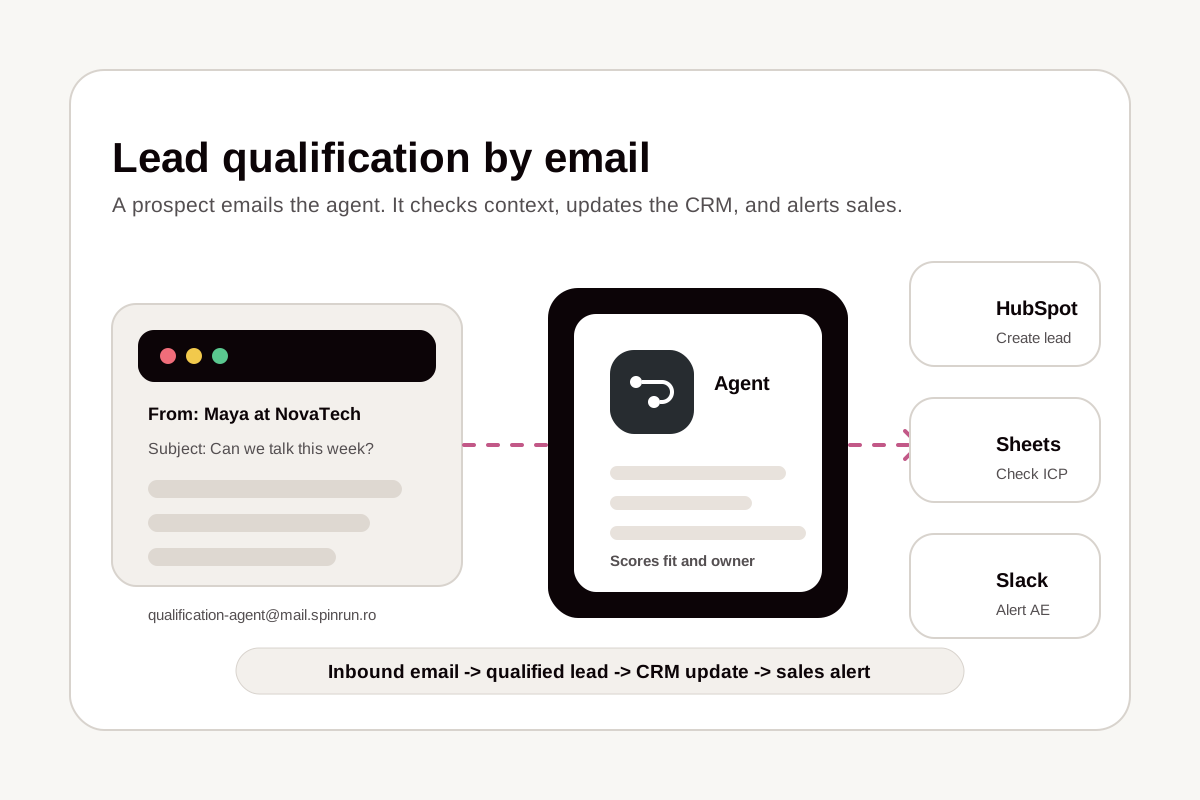
The difference is execution. A chatbot can draft an email. An agentic workflow can read the CRM record, check prior conversations, draft the email, route it for approval, send it, update the CRM, and create a follow-up reminder.
Most tools in this category combine some mix of:
- Large language models for reasoning and generation
- Tool access through APIs, browser actions, or MCP servers
- Memory or persistent context
- Workflow logic for branching, retries, approvals, and scheduling
- Human-in-the-loop controls for sensitive actions
- Monitoring, logs, and versioning
The best product for you depends less on "which AI is smartest" and more on where you need the agent to work.
How we evaluated the tools
We looked for agentic AI tools that are useful beyond demos. The strongest options in this list have a clear job, enough integrations to be practical, and a path from prototype to repeated production use.
The main evaluation criteria were:
- Agent autonomy: Can the system plan and complete multi-step tasks, or is it mostly a prompt wrapper?
- Tool access: Can it connect to the apps, APIs, files, or developer environments where work happens?
- Workflow control: Can teams add branching, approvals, schedules, retries, and auditability?
- Ease of use: Can non-engineers build with it, or does it require a developer team?
- Governance: Can admins control credentials, permissions, usage, and risky actions?
- Pricing fit: Does the pricing model make sense for the jobs it is likely to run?
No tool wins every category. Spinrun is strongest for no-code and operations-heavy agent workflows. Claude is excellent for general reasoning. Cursor is purpose-built for code. n8n and Zapier are broad automation platforms. CrewAI is a developer framework. StackAI is oriented toward enterprise AI apps.
Quick comparison
| Tool | Best for | Main strength | Best fit |
|---|---|---|---|
| Spinrun | Business workflow automation | Agents that work across connected apps | Teams automating recurring operations |
| Claude | Research, writing, analysis | Strong general reasoning | Individuals and teams using AI assistants |
| n8n | Technical workflow automation | Open-source workflow control | Builders who want flexibility |
| Relay.app | Human-in-the-loop automation | Clean approval workflows | Ops teams coordinating across apps |
| Cursor | Software engineering | AI coding inside an editor | Developers and engineering teams |
| Zapier | App automation | Massive integration catalog | Teams with simple app-to-app automations |
| CrewAI | Developer-built multi-agent systems | Framework-level agent orchestration | Engineers building custom agents |
| StackAI | Enterprise AI applications | Internal AI tools and knowledge workflows | Larger organizations |
Spinrun
Spinrun is an agentic automation platform for teams that want AI agents to complete work across real business apps without wiring every step by hand.
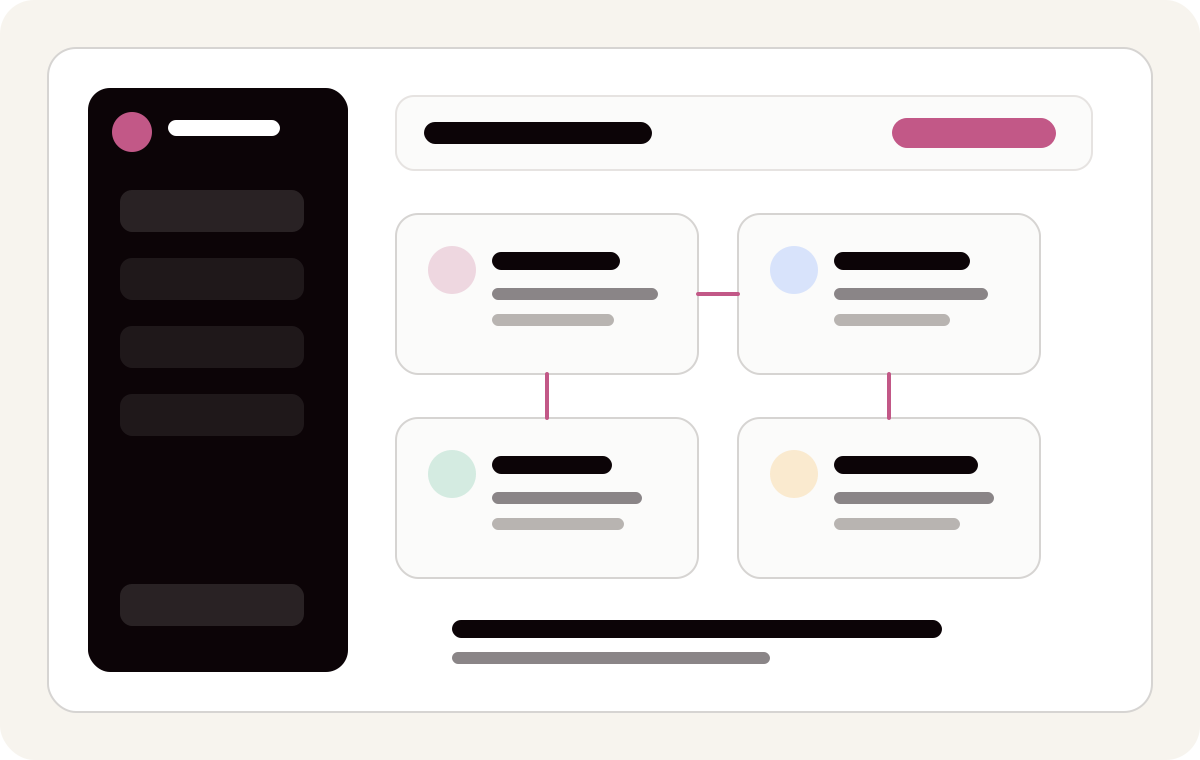
The core idea is simple: create agents, connect approved apps, give the agent a goal, and let Spinrun manage the execution layer. Agents can use connected tools, files, workflow context, triggers, and channels to complete work that would otherwise bounce between chat, spreadsheets, inboxes, CRMs, and internal systems.
Spinrun is a good fit when you want AI to do work, not just discuss work. Typical use cases include lead enrichment, support triage, reporting, document processing, inbox workflows, internal research, data cleanup, and recurring operations.
What makes Spinrun agentic?
Spinrun agents are designed around execution. They can work from natural-language instructions, use tools from connected apps, run inside team workflows, and maintain enough task context to complete multi-step work.
Key capabilities include:
- Agents: Create reusable AI workers for specific jobs, departments, or recurring processes.
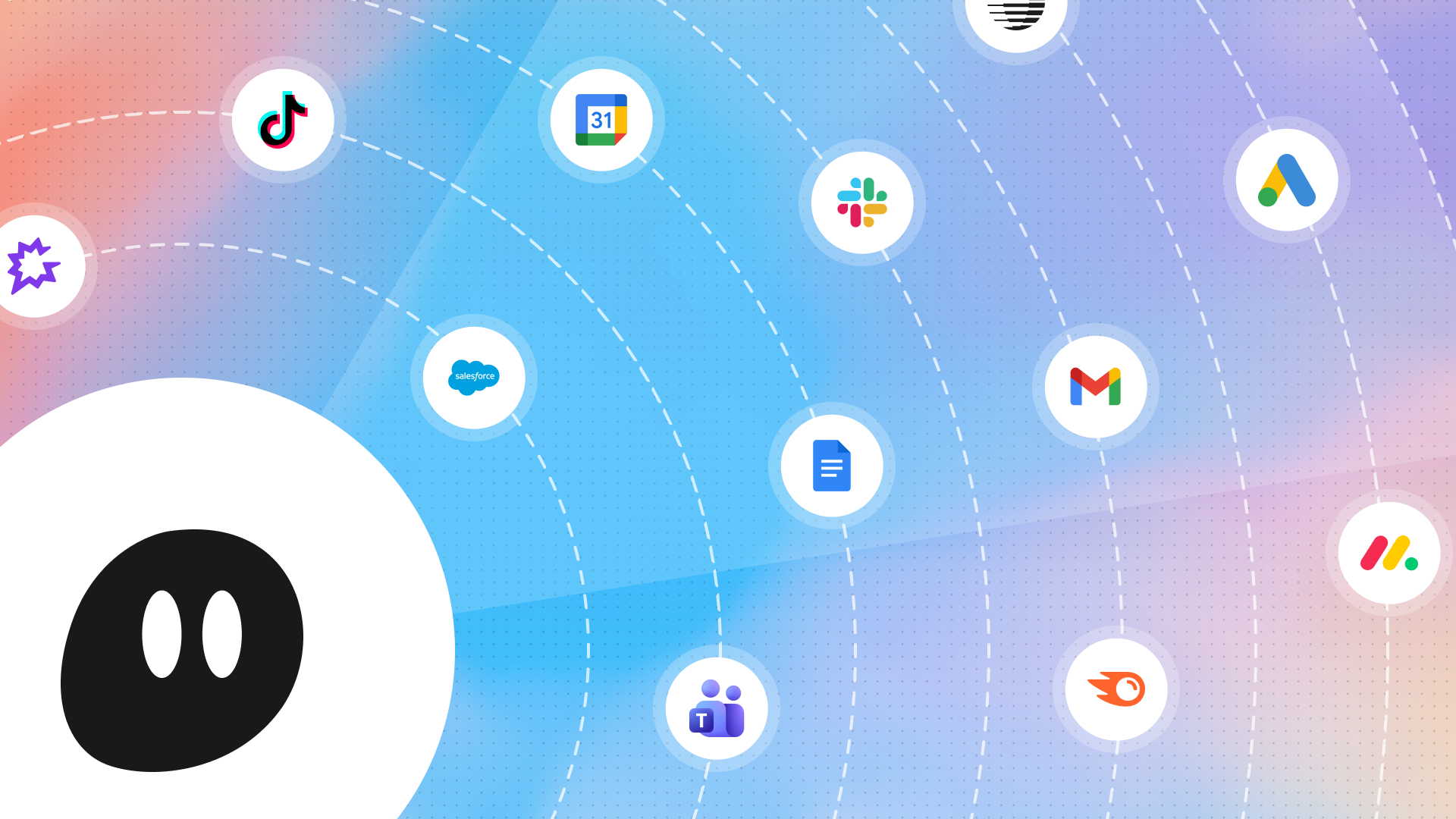
- Connected apps: Give agents access to approved tools such as email, calendars, docs, spreadsheets, messaging apps, CRMs, and custom MCP servers.
- Channels and triggers: Start work from chat, email, scheduled jobs, app events, or manual requests.
- Skills: Reuse operating knowledge so agents follow team-specific instructions instead of generic prompts.
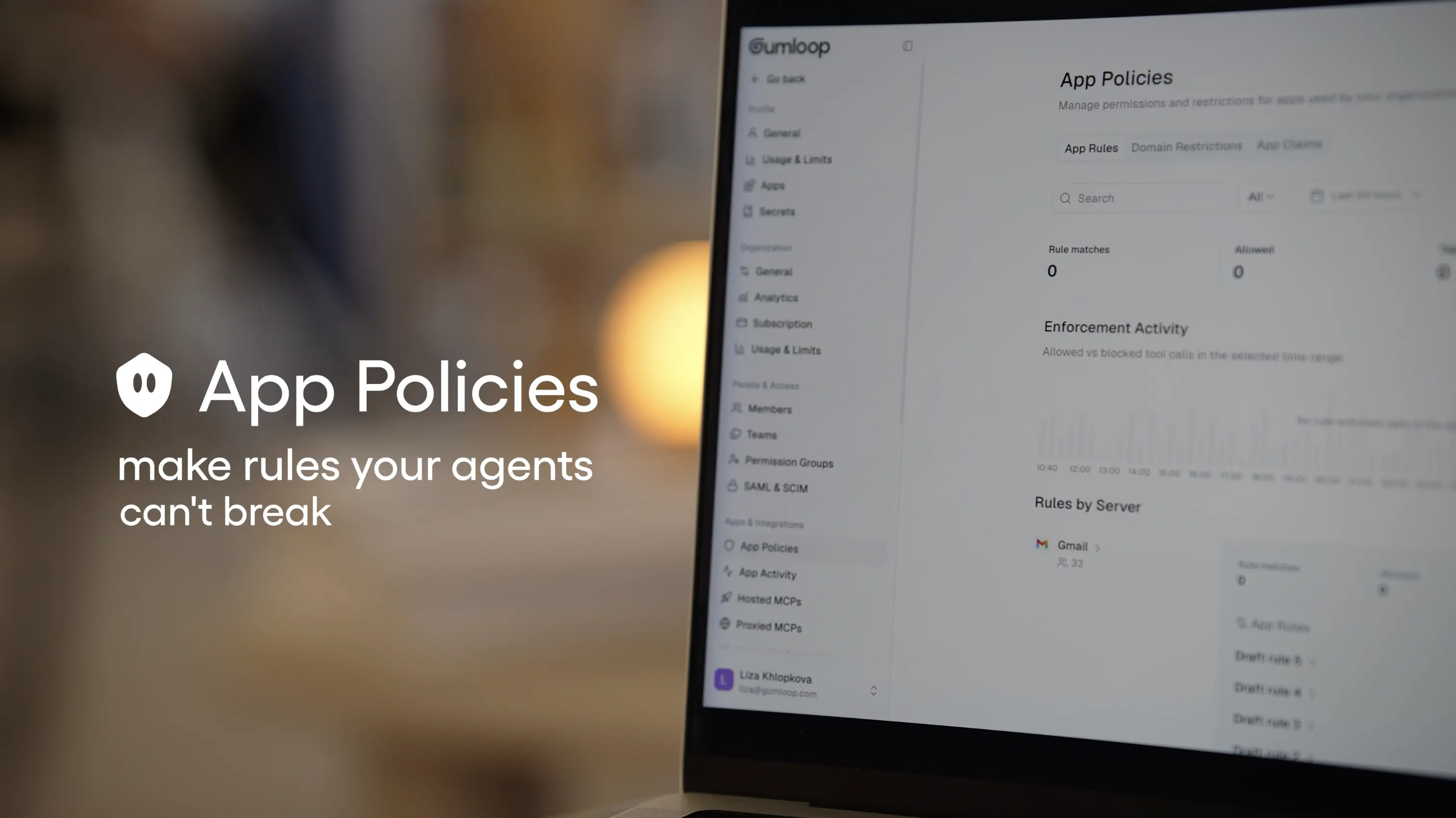
- Governance: Add guardrails around tools, credentials, connected apps, and team usage.
- Spinstack and MCP: Expose managed tools to MCP-compatible clients and connect external AI clients to approved business systems.
This matters because most business workflows are not a single model call. They involve reading from one system, deciding what matters, writing to another system, and sometimes asking a person for approval. Spinrun is built for that full loop.
Spinrun pricing
Spinrun has Free, Pro, and Enterprise plans.
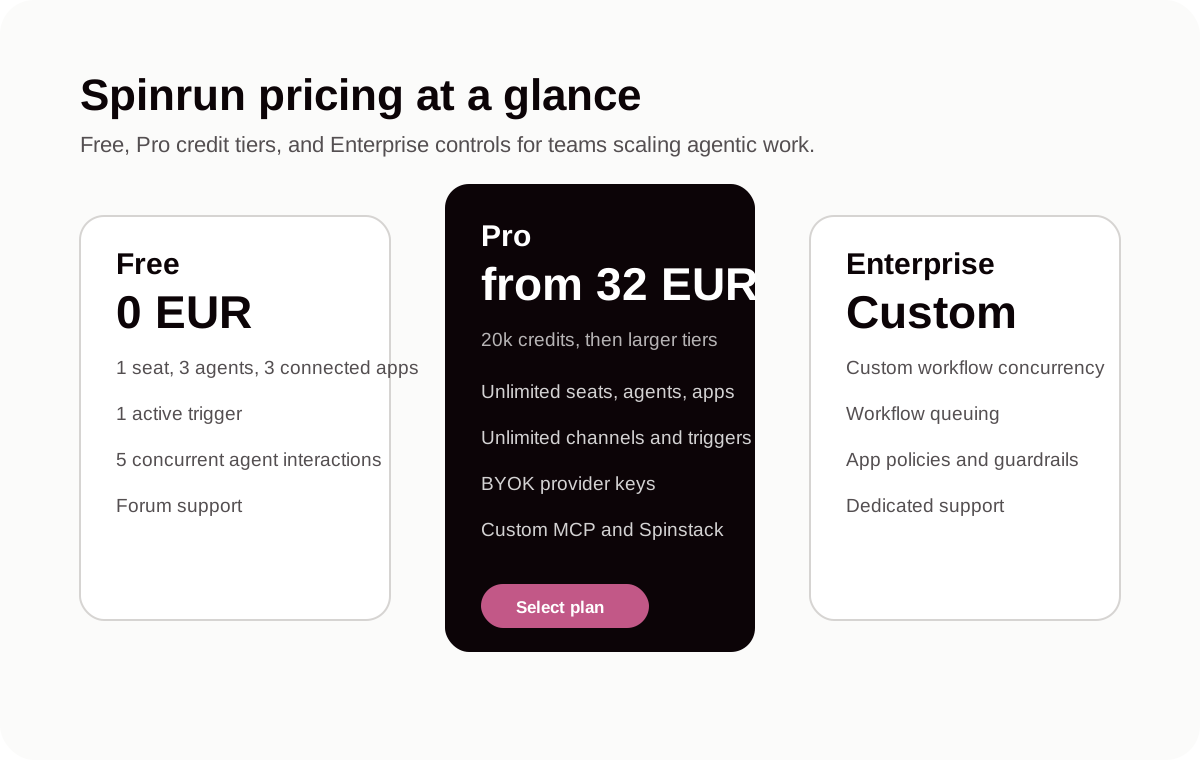
The Free plan is for trying the product with one seat, three agents, three connected apps, one user channel, one active trigger, and five concurrent agent interactions.
Pro starts at 32 EUR per month for 20,000 credits, with larger credit tiers available. It unlocks unlimited seats, agents, connected apps, channels, triggers, shared team usage, BYOK provider keys, custom MCP, Spinstack, governance basics, and higher concurrency.
Enterprise is custom priced for teams that need custom workflow concurrency, workflow queuing, app policies and guardrails, custom security terms, custom scaling terms, and dedicated support.
See the current plan details on the Spinrun pricing page.
Best use cases for Spinrun
Spinrun is strongest when the workflow crosses app boundaries and needs to run repeatedly.
Good examples:
- Enrich a new lead from multiple sources, score it, and update the CRM.
- Monitor a shared inbox, classify messages, draft responses, and escalate exceptions.
- Build weekly reports from spreadsheets, docs, and internal systems.
- Extract structured data from PDFs, images, websites, and uploaded files.
- Trigger follow-up tasks from Slack, email, or scheduled checks.
- Let approved agents use MCP tools from external AI clients.
Spinrun is less useful if you only need a one-off text answer, a local coding assistant, or a low-level developer framework. In those cases, a chat assistant, Cursor, or CrewAI may be a better fit.
Claude
Claude is Anthropic's AI assistant and one of the strongest general-purpose AI tools for reasoning, analysis, writing, research, and structured thinking.
Claude is agentic when it can use tools, work with files, follow long instructions, and operate in an environment where it can inspect context and take steps toward a goal. It is especially strong for drafting, summarizing, extracting information, reviewing documents, and turning messy information into clear output.
What Claude does well
Claude is not primarily a workflow automation builder. It is a powerful AI assistant that becomes agentic when paired with tools, files, APIs, browser environments, or MCP servers.
Its strengths include:
- Long-form reasoning and writing
- Document analysis
- Code review and generation
- Research synthesis
- Structured outputs
- Collaboration through projects and shared context
- Tool use in supported environments
Claude is often the right choice when the work is cognitively complex but does not require a full automation platform. For example, reviewing a contract, comparing vendor proposals, producing a research memo, writing a product spec, or analyzing a large document set.
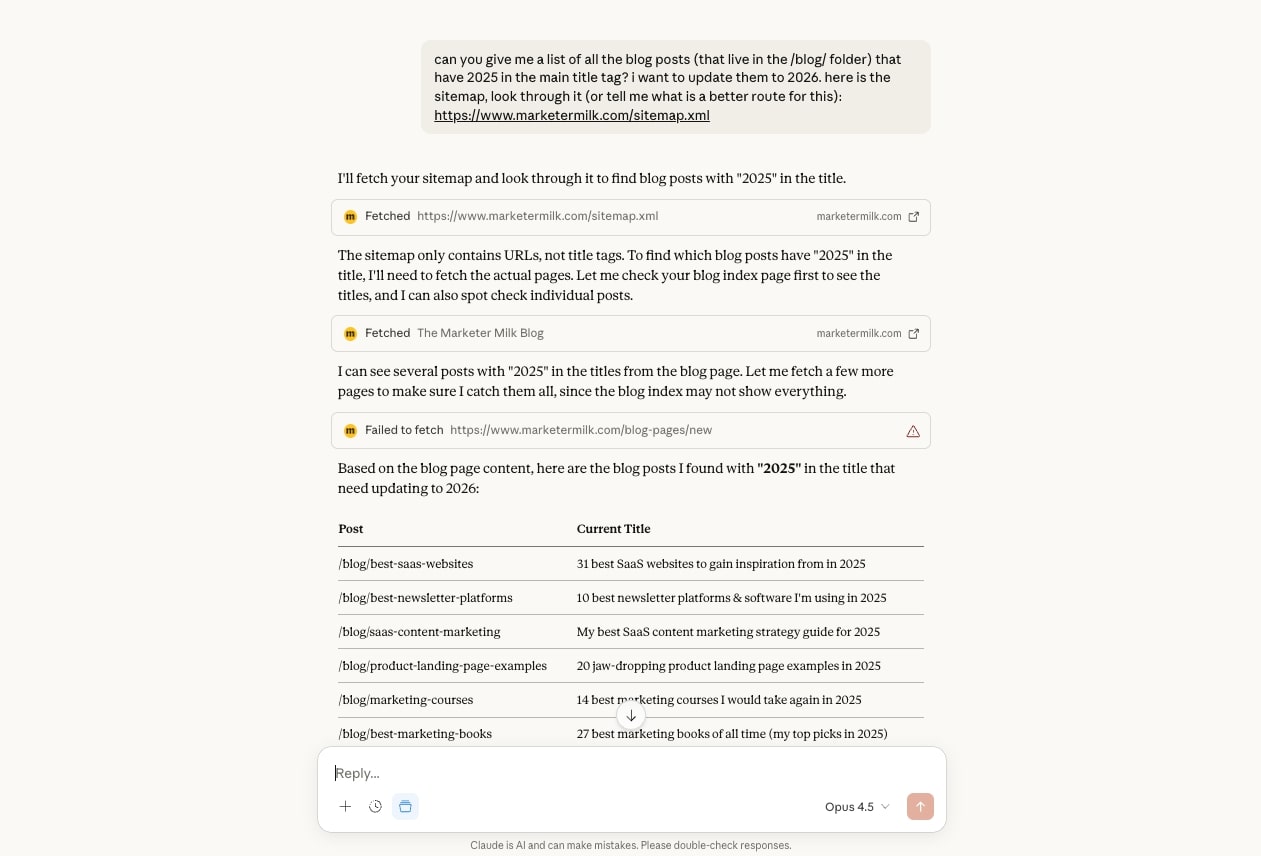
Claude also fits well inside agentic stacks. Many workflow tools and developer frameworks use Anthropic models as the reasoning layer while another product handles scheduling, permissions, integrations, and orchestration.
Claude pricing
Claude has free and paid tiers, with separate plans for individuals, teams, and enterprise deployments. Pricing changes over time, so check Claude pricing before buying.
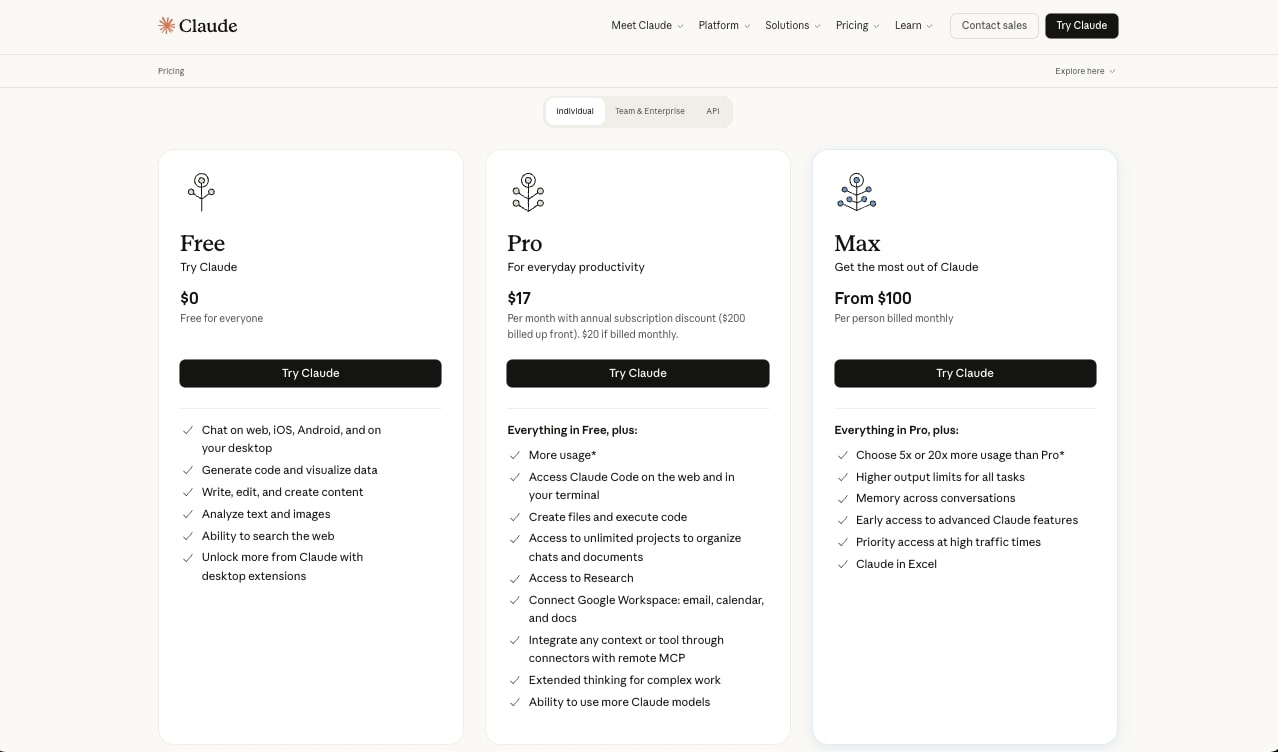
Claude is a strong first tool for people who want a capable AI assistant. It is less complete as an operations automation platform unless you combine it with other tooling.
Best use cases for Claude
Claude is best for:
- Research and analysis
- Writing and editing
- Summarizing long files
- Reviewing contracts, briefs, and strategy docs
- Coding assistance and code explanation
- Thinking through ambiguous problems
- Acting as the model layer inside agentic products
For repeated workflows across business apps, Claude usually needs to be paired with a workflow platform, internal tools, or MCP-enabled infrastructure.
n8n
n8n is an automation platform for building workflows across apps, APIs, databases, and AI services. It is popular with technical operators because it combines a visual builder with flexible logic and self-hosting options.
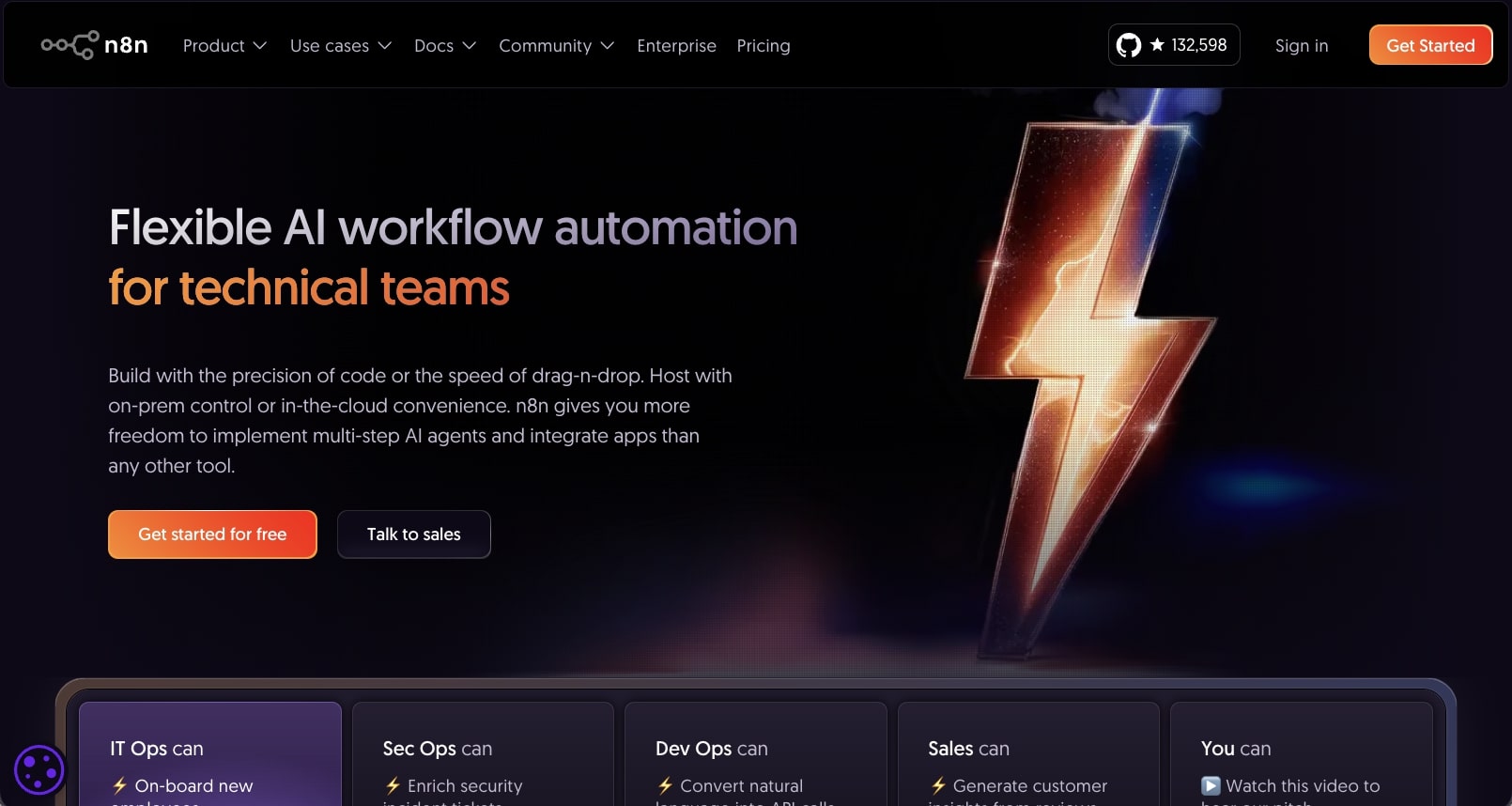
n8n is not only an AI product. Its core value is workflow automation. The agentic layer comes from adding AI nodes, tool-calling patterns, conditional logic, and integrations that let workflows reason over inputs and decide what to do next.
What n8n does well
n8n works well when you need precise control over workflow steps. You can build automations that move data between apps, call APIs, transform payloads, run code, branch on conditions, and trigger actions from events.
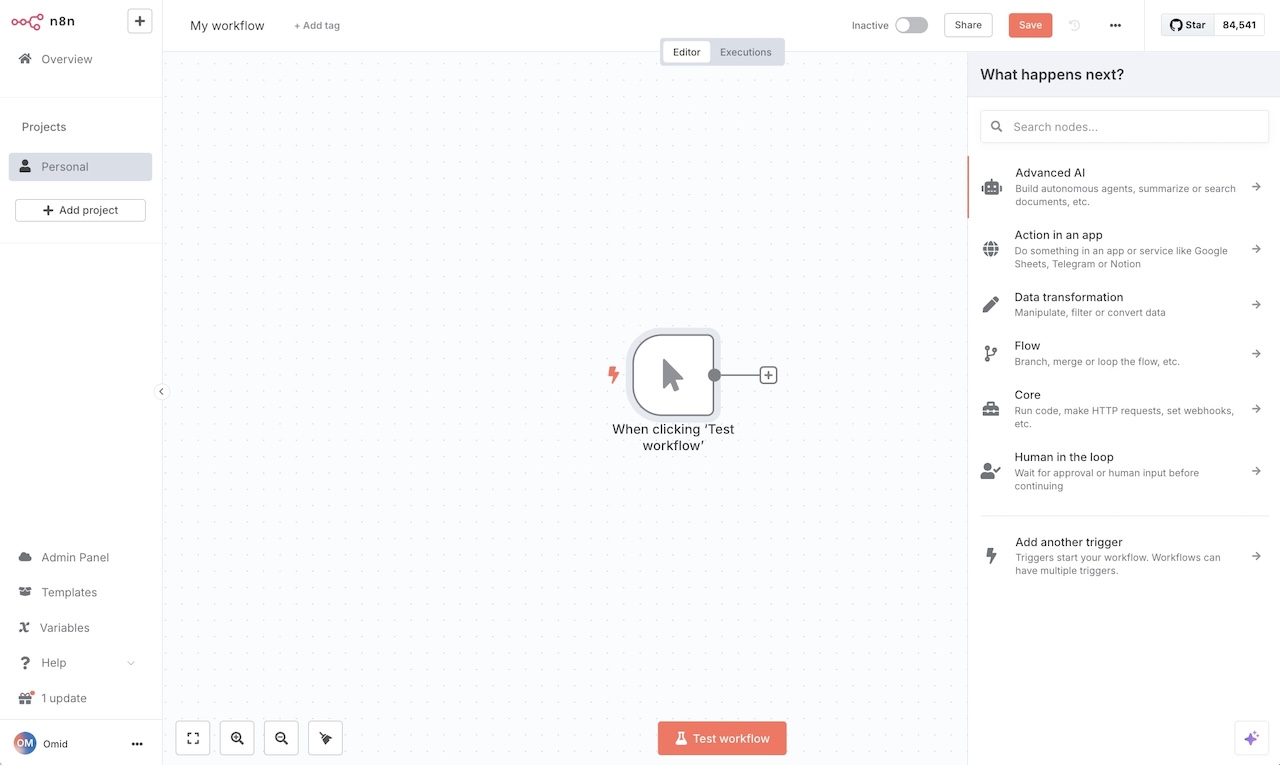
Strengths include:
- Visual workflow building
- API and webhook automation
- Self-hosting
- Custom code steps
- Broad app integrations
- AI nodes and agent workflows
- Strong control over data movement
For agentic AI, n8n is strongest when a builder knows the system architecture and wants to design the workflow explicitly. It is less natural for teams that want to describe a business outcome and let an agent decide most of the steps.
n8n pricing
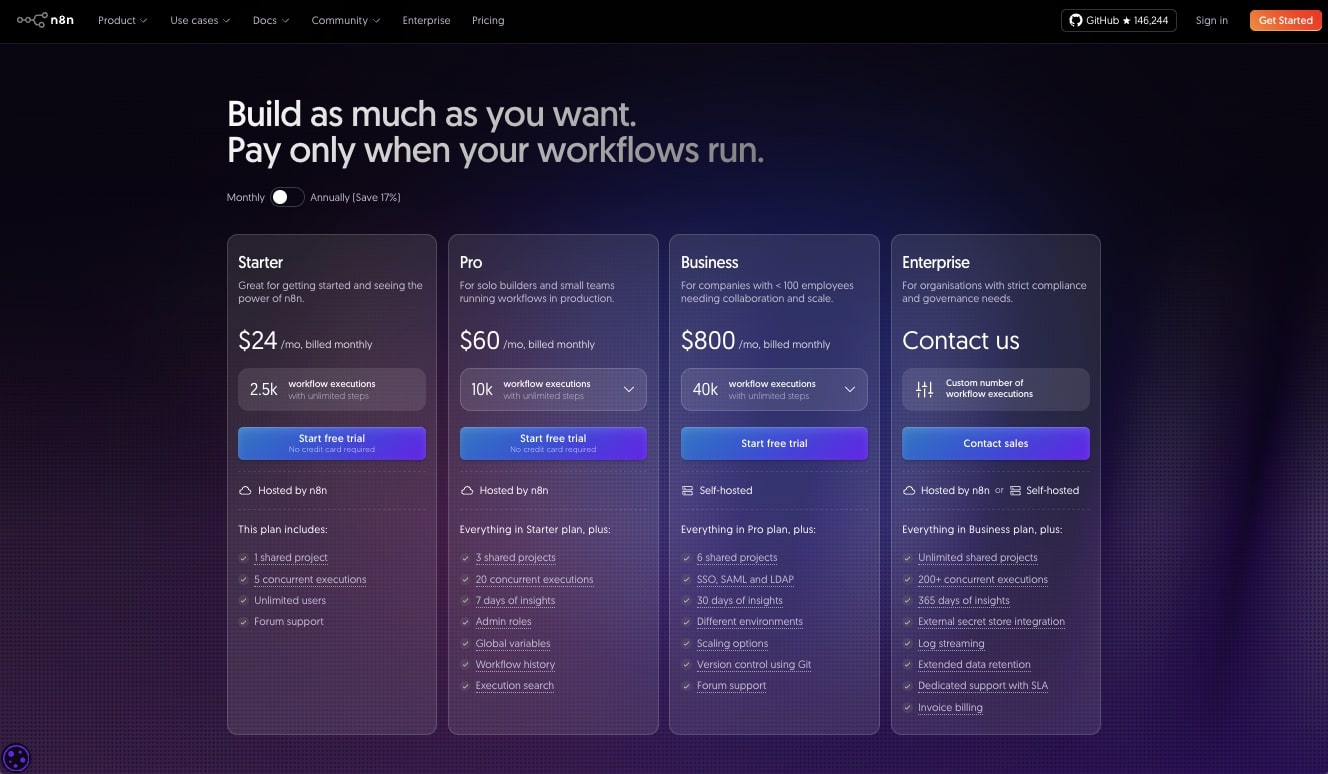
n8n offers cloud plans and self-hosting options. Cloud pricing is based on workflow executions and plan features. See n8n pricing for current details.
Best use cases for n8n
n8n is best for:
- Technical operations automation
- API-to-API workflows
- Internal data pipelines
- Webhook-driven processes
- AI-assisted workflows that still need explicit step control
- Teams that want self-hosting or open-source flexibility
If your team already has technical builders, n8n can be a powerful foundation. If the goal is for business users to create reusable AI workers with less workflow plumbing, Spinrun or Zapier may feel faster.
Relay.app
Relay.app is a workflow automation tool with a strong focus on human-in-the-loop processes. It is useful when automations need approvals, handoffs, review steps, and collaboration across tools.
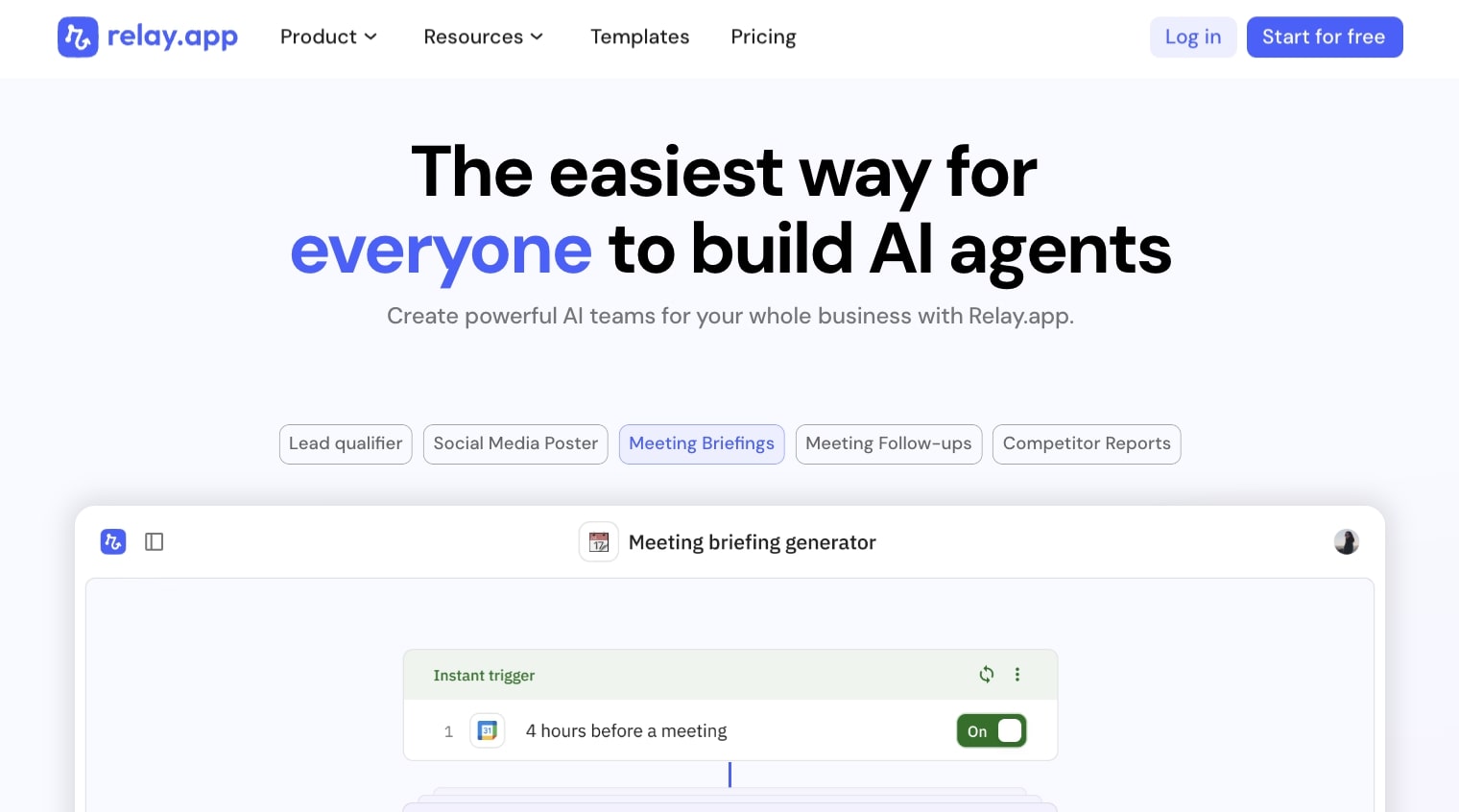
Relay.app is agentic in a practical sense: it helps teams combine automation with AI steps and human decisions. That is important because many business workflows should not run fully unattended.
What Relay.app does well
Relay.app is built around clarity. It gives teams a clean way to define automations that include both app actions and people. Instead of forcing every workflow to be either manual or fully automated, Relay.app makes the middle ground easier.
Good patterns include:
- Approve a draft before sending it.
- Review extracted data before updating a system of record.
- Assign a teammate to handle exceptions.
- Ask for missing information inside a workflow.
- Use AI to draft, classify, or summarize, then let a person confirm.
This makes Relay.app a good fit for teams that care about process quality and review steps.
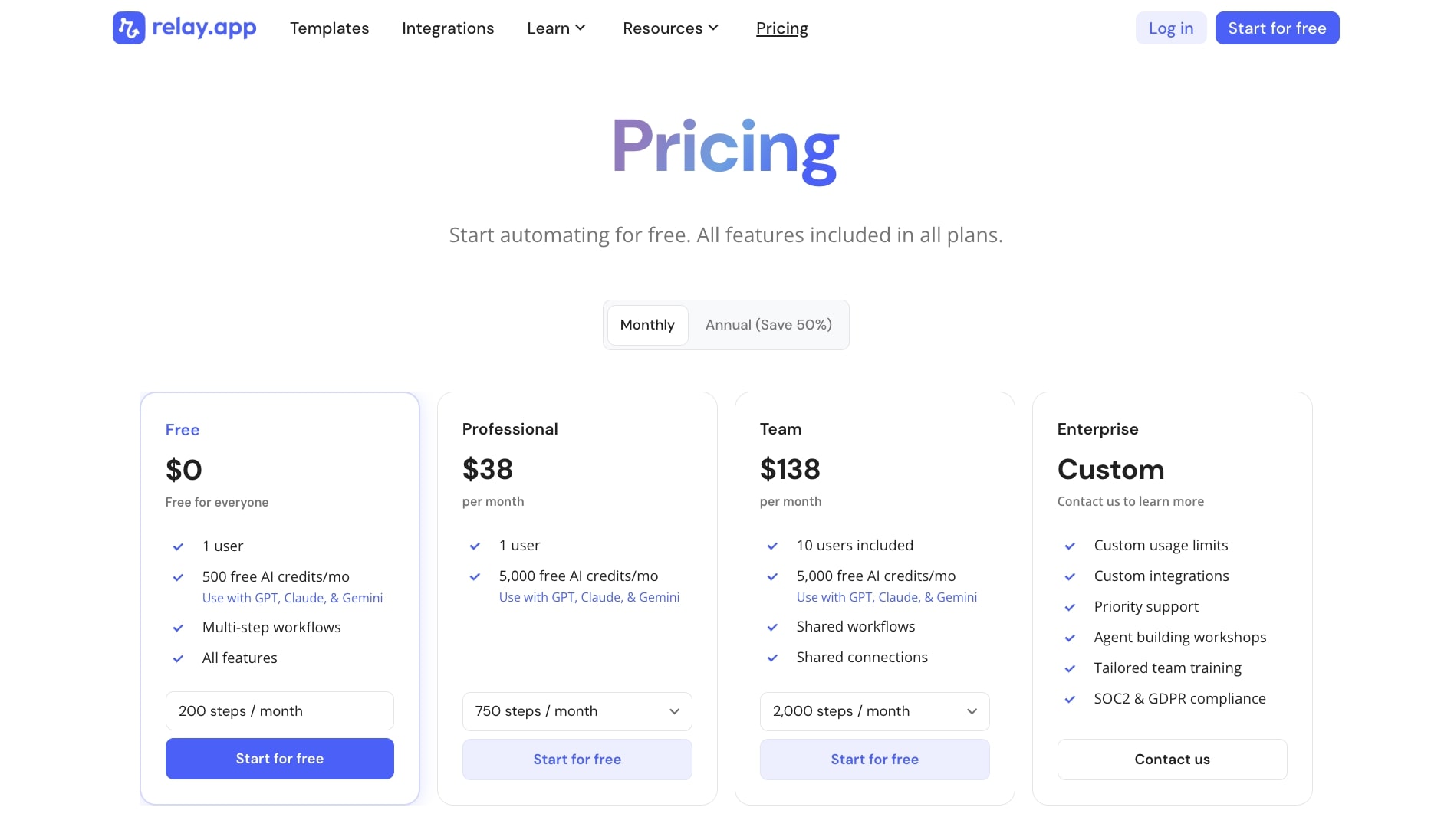
Relay.app pricing
Relay.app has free and paid plans based on usage and team needs. Check Relay.app pricing for current details.
Best use cases for Relay.app
Relay.app is best for:
- Approval workflows
- Marketing and sales operations
- Recruiting workflows
- Customer success handoffs
- Internal review processes
- AI-assisted workflows that need human confirmation
Relay.app is less focused on autonomous agents than Spinrun or developer frameworks, but it is strong for teams that want reliable process automation with AI assistance.
Cursor
Cursor is an AI code editor built for software development. It is one of the clearest examples of agentic AI in a specific professional environment: the codebase.
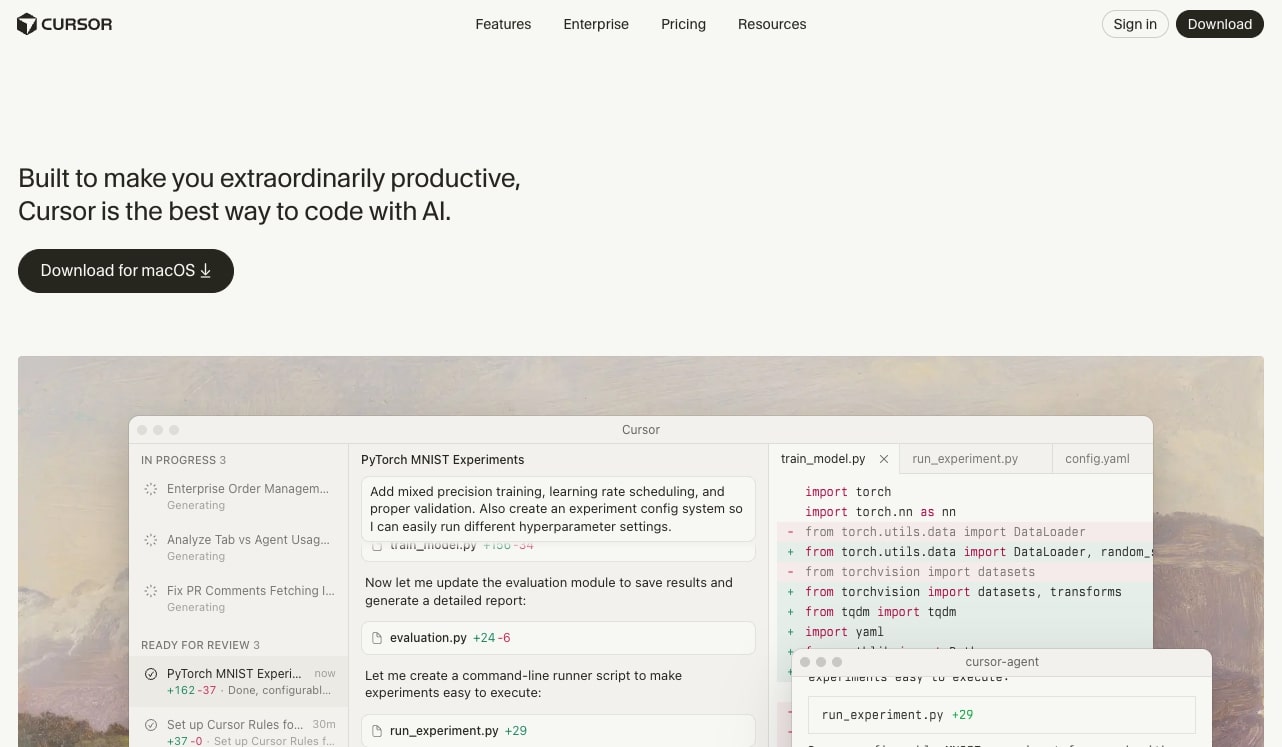
Cursor can read project files, propose edits, make changes, explain code, search context, and help developers move through implementation tasks. It is not a general business automation platform, but for software teams it can be one of the highest-leverage agentic tools.
What Cursor does well
Cursor works because it puts the agent where the work happens. The AI can inspect files, understand local context, edit code, and respond to feedback in the development loop.
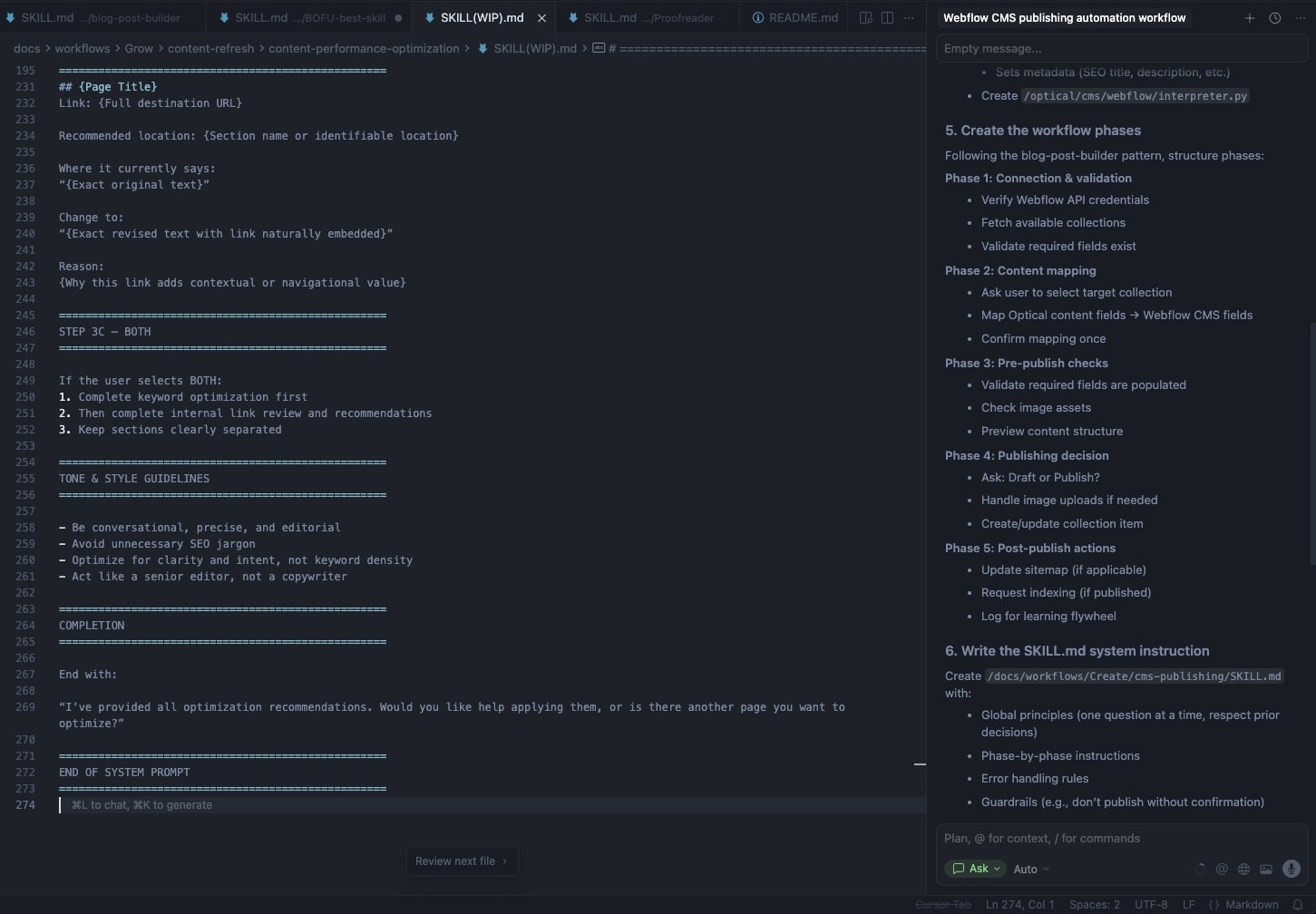
Strengths include:
- Codebase-aware chat
- Multi-file edits
- Agentic coding flows
- Inline completions
- Refactoring help
- Debugging support
- Documentation and explanation
Cursor is strongest when the task has a clear implementation target. It can help write features, fix bugs, update tests, explain unfamiliar code, or refactor a module.
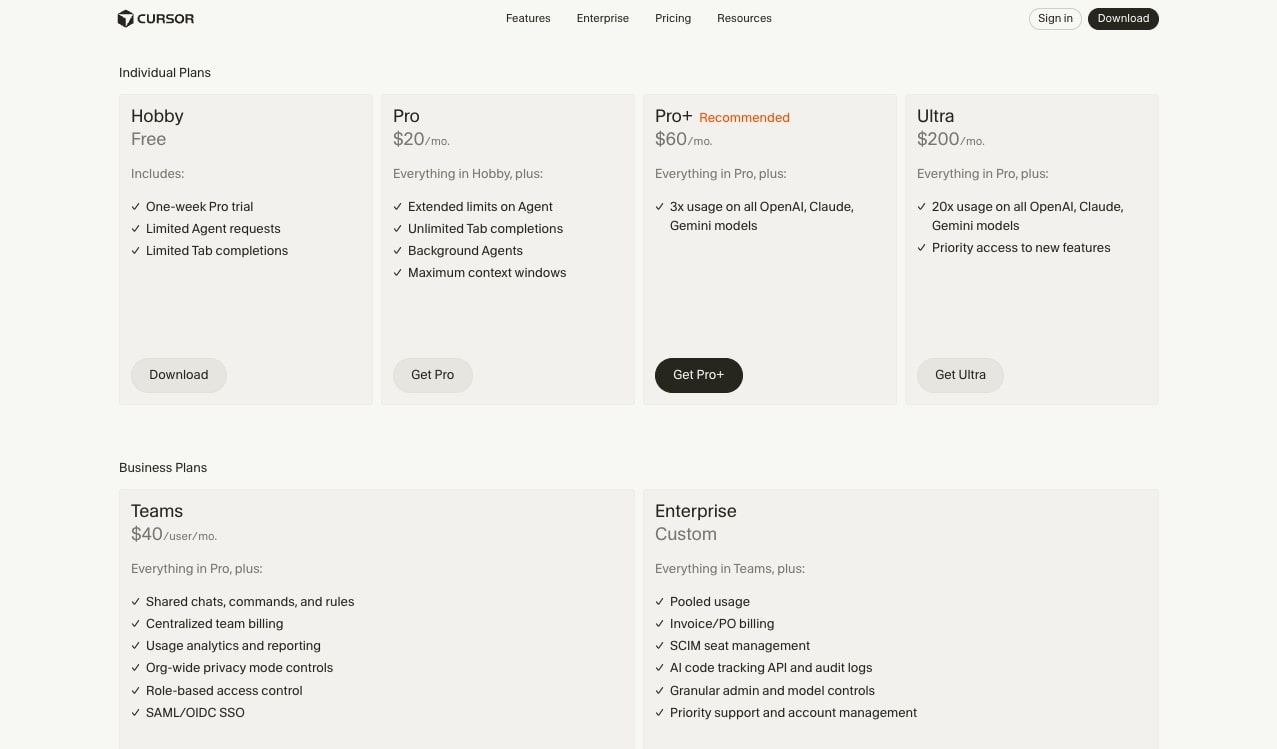
Cursor pricing
Cursor has free and paid plans for individuals and teams. Pricing and usage limits can change, so check Cursor pricing.
Best use cases for Cursor
Cursor is best for:
- Shipping code faster
- Working through unfamiliar codebases
- Refactoring
- Writing tests
- Debugging
- Generating small features
- Explaining implementation choices
Cursor is not meant to replace workflow automation tools. It is a specialized agentic environment for developers.
Zapier
Zapier is one of the best-known automation platforms. Its main advantage is the size of its integration catalog and the simplicity of connecting common apps.
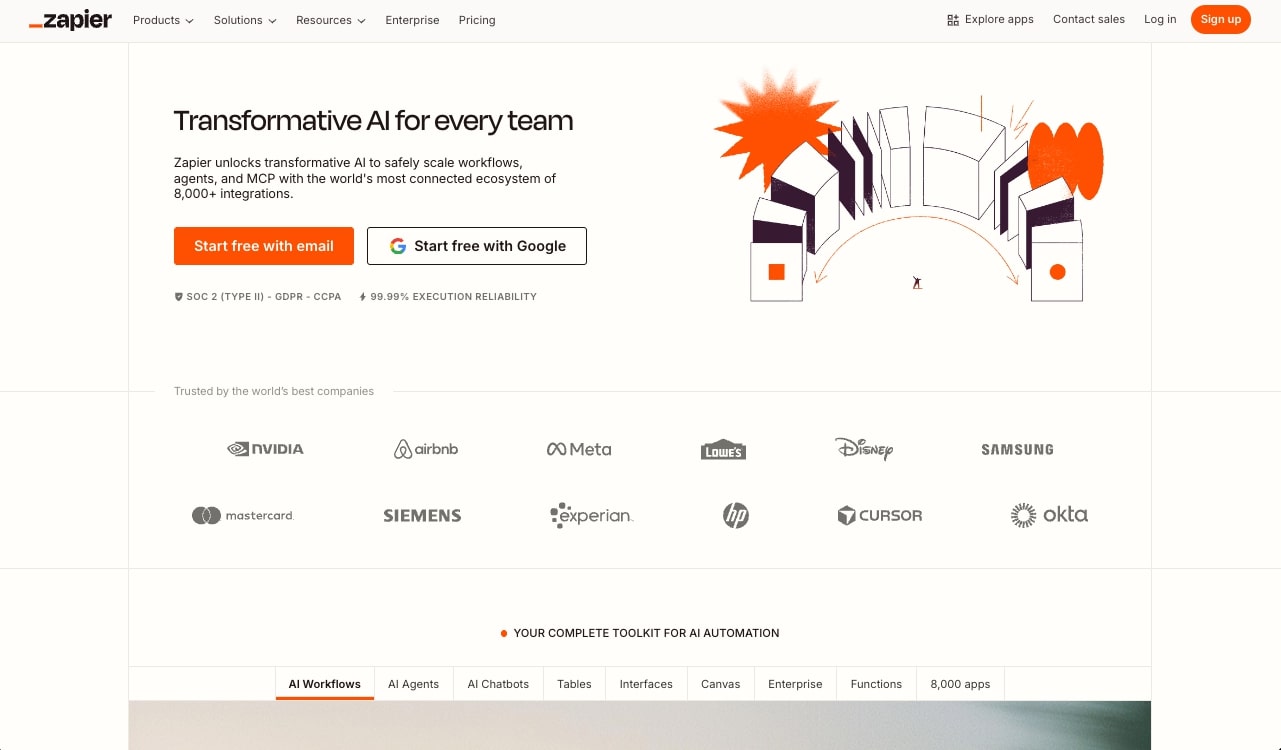
Zapier has added more AI capabilities over time, including AI-assisted workflow creation and AI steps. That makes it a practical agentic option for teams that want simple app-to-app automation without heavy setup.
What Zapier does well
Zapier is strongest for straightforward automations. If you want "when this happens in app A, do that in app B," Zapier is often the fastest tool to try.
Strengths include:
- Very broad app support
- Simple trigger-action automations
- Templates for common workflows
- Easy onboarding for non-technical users
- AI-assisted workflow building
- Built-in scheduling and app events
Zapier can support agentic patterns, especially when AI steps classify, summarize, draft, or route information. But it is not always the best fit for complex, stateful, multi-agent work.
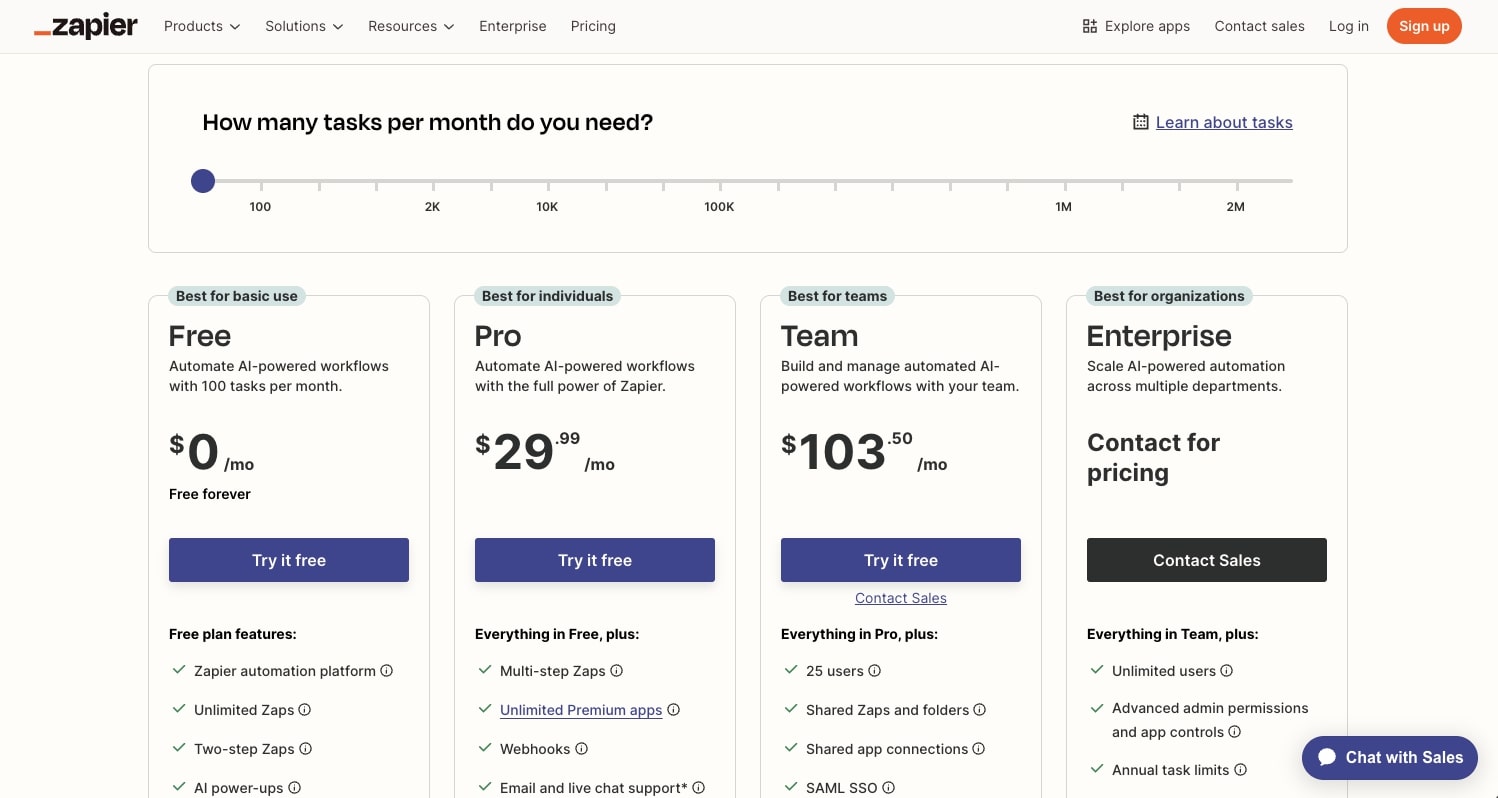
Zapier pricing
Zapier has free and paid plans based on tasks, app access, and advanced features. See Zapier pricing for current details.
Best use cases for Zapier
Zapier is best for:
- Simple app-to-app automation
- Lead routing
- Notifications
- Form processing
- Spreadsheet updates
- Lightweight AI steps inside familiar automations
- Teams that need many SaaS integrations quickly
Zapier is a strong default for simple automation. Spinrun is a better fit when the workflow should behave more like a reusable AI agent with tools, context, triggers, and team governance.
CrewAI
CrewAI is a developer framework for building multi-agent systems. It gives engineers a way to define agents, tasks, tools, and collaboration patterns in code.
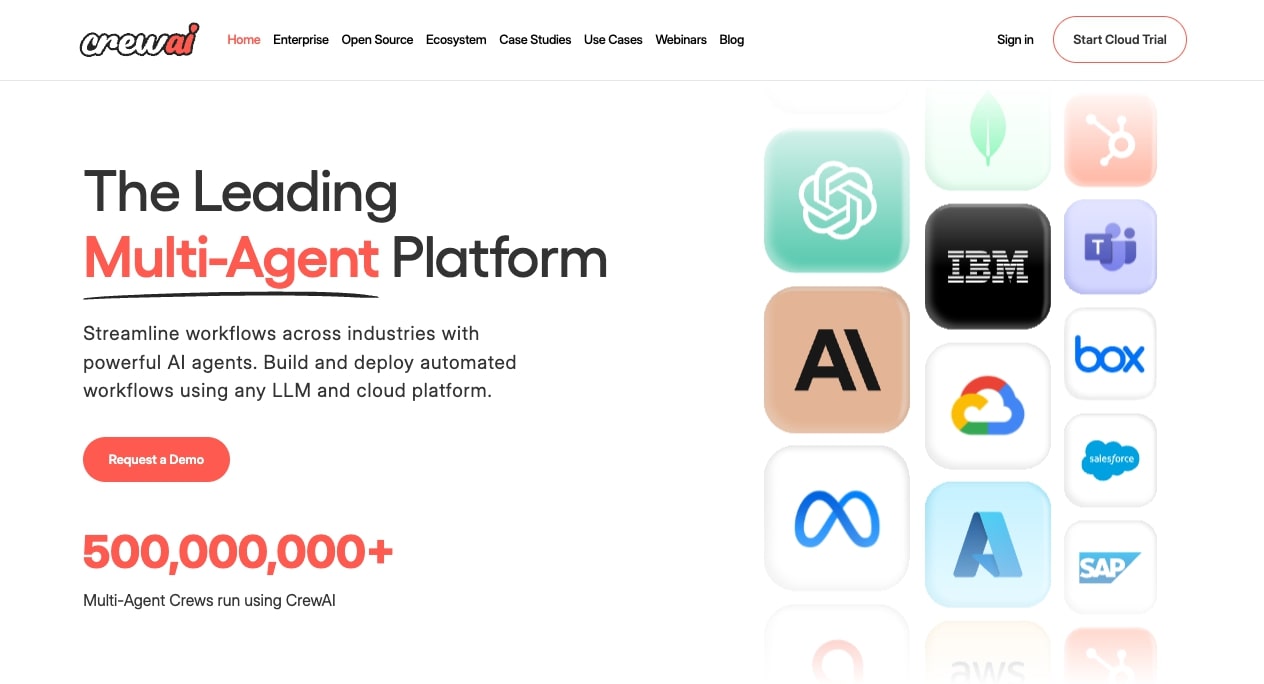
CrewAI is different from no-code automation tools. It is not trying to hide the implementation layer. It is for teams that want to build custom agentic systems and control the architecture directly.
What CrewAI does well
CrewAI is useful when you want multiple specialized agents to work together. For example, one agent researches, another analyzes, another writes, and another reviews.
Strengths include:
- Multi-agent orchestration
- Developer-controlled architecture
- Tool integration
- Task delegation
- Custom workflows
- Flexibility for prototypes and internal tools
Because CrewAI is code-first, it gives technical teams more control. The tradeoff is that non-engineers are less likely to build and maintain workflows directly.
CrewAI pricing
CrewAI's open-source framework can be used by developers, with paid cloud and enterprise offerings available depending on the product path. Check CrewAI for current details.
Best use cases for CrewAI
CrewAI is best for:
- Developer-built multi-agent systems
- Research agents
- Internal prototypes
- Custom AI workflows
- Agent orchestration experiments
- Teams that want code-level control
CrewAI is powerful when you have engineers available. For business teams that want hosted app connections, approvals, and admin controls out of the box, a product like Spinrun will usually be faster to operate.
StackAI
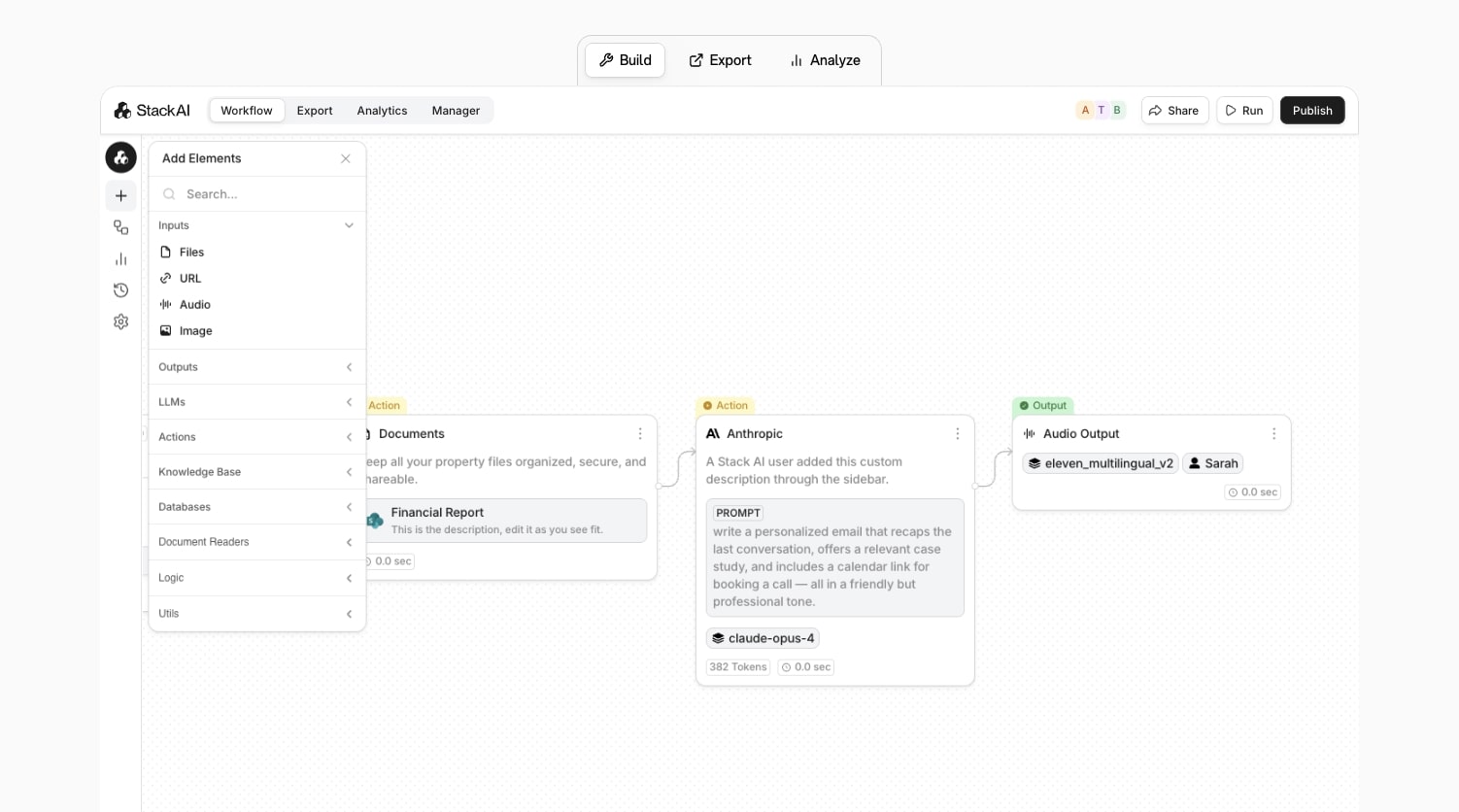
StackAI is a platform for building enterprise AI applications and agents. It focuses on helping organizations create AI tools connected to internal knowledge, documents, workflows, and business systems.
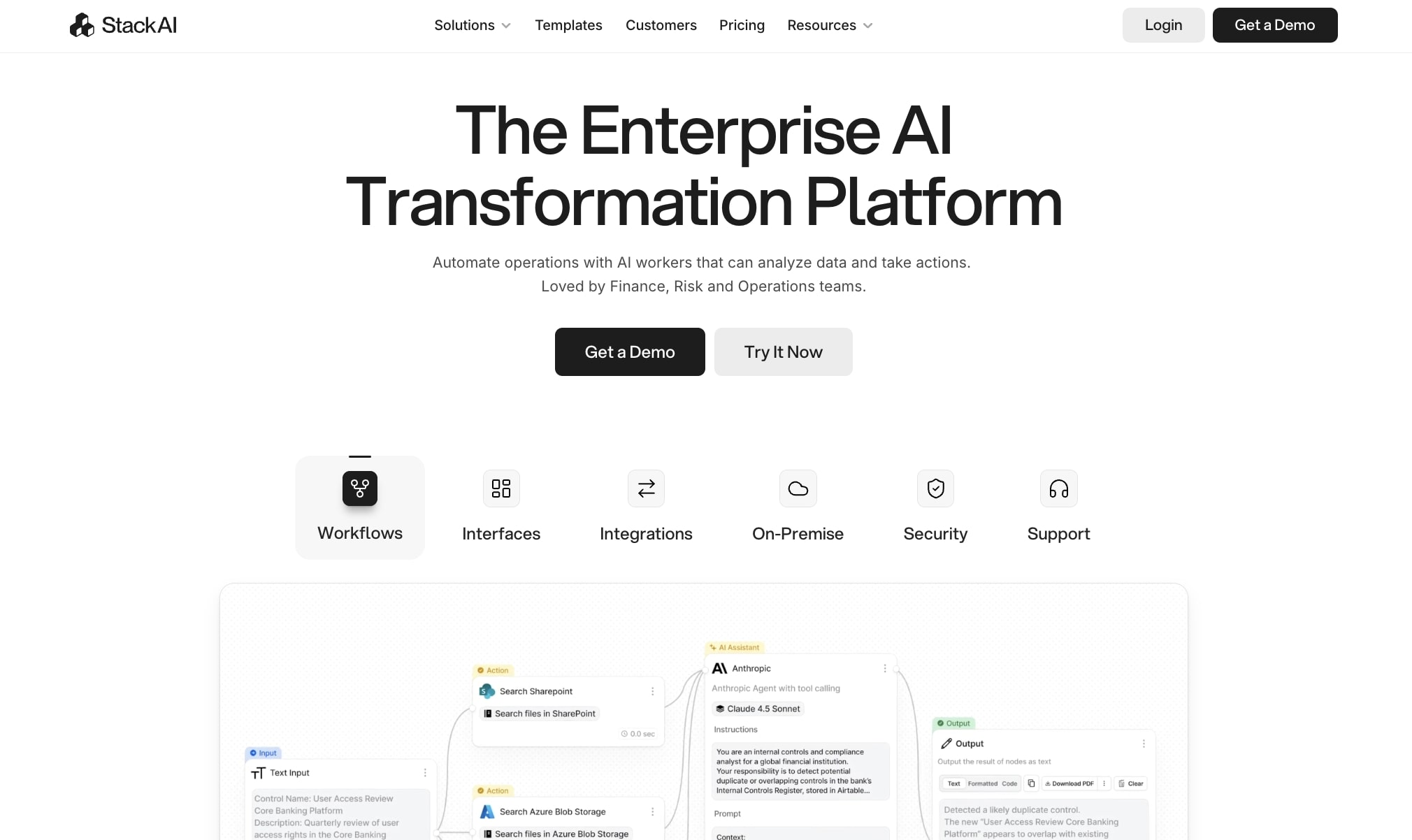
StackAI is most relevant for teams that want to deploy AI apps internally: assistants, knowledge tools, document processors, and workflow-specific agents.
What StackAI does well
StackAI gives teams a structured environment for building AI workflows and applications. It is often used for enterprise use cases where data access, deployment, and repeatability matter.
Strengths include:
- AI workflow building
- Internal knowledge assistants
- Document processing
- Enterprise deployment patterns
- App-like AI interfaces
- Integrations with business systems
StackAI can be a good fit when the goal is to build internal AI products rather than only automate a few tasks.
StackAI pricing
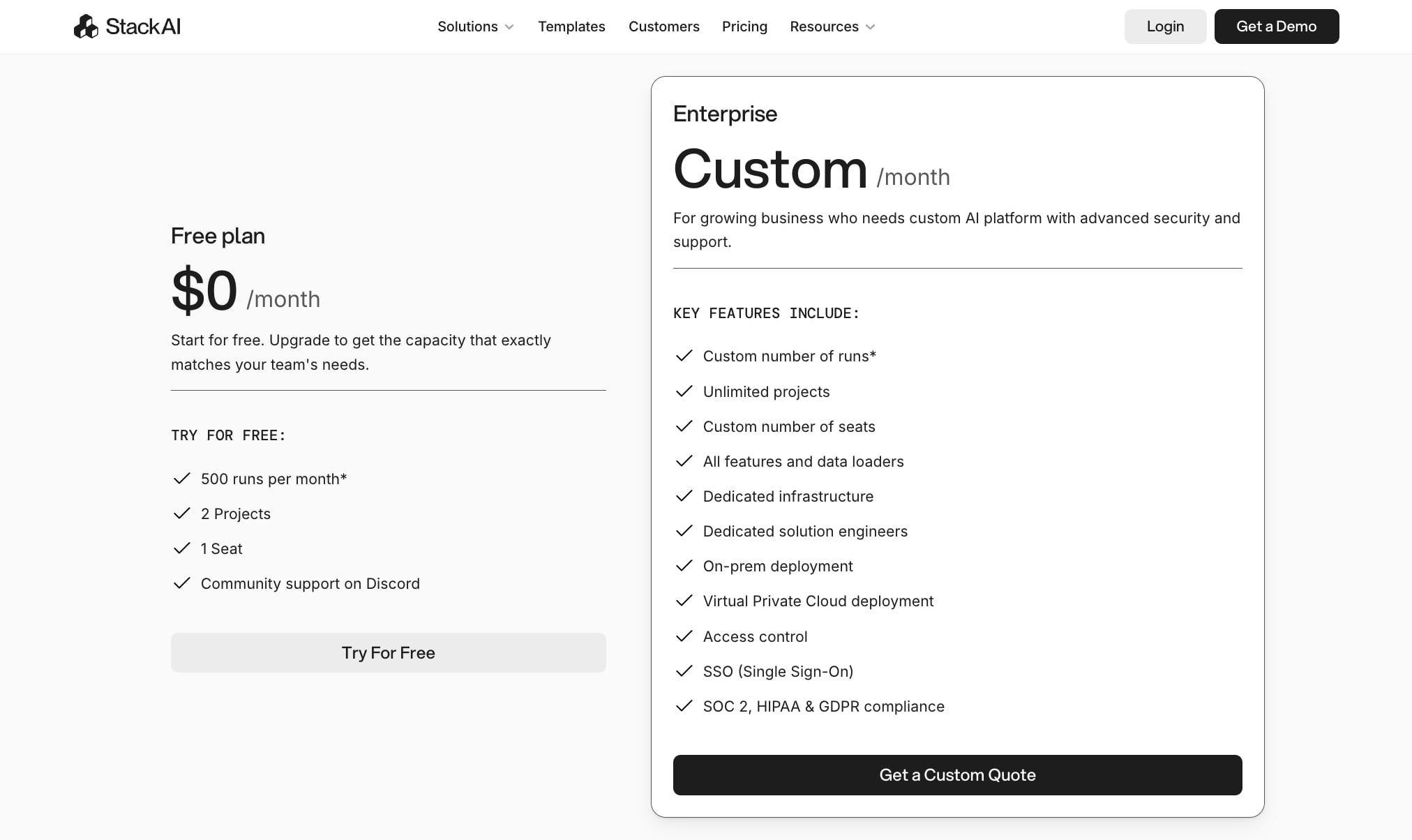
StackAI offers paid plans and enterprise options. Check StackAI pricing for current details.
Best use cases for StackAI
StackAI is best for:
- Enterprise AI assistants
- Knowledge-base workflows
- Document-heavy AI applications
- Internal AI tools
- Teams that need a managed AI app builder
StackAI and Spinrun overlap in some workflow and agent use cases. The practical difference is positioning: StackAI leans toward enterprise AI app building, while Spinrun leans toward AI agents that execute recurring work across connected tools.
How to choose the right agentic AI tool
The best agentic AI tool depends on where the agent needs to operate.
Choose Spinrun if you want agents that run repeatable business workflows across connected apps, triggers, channels, files, and MCP tools.
Choose Claude if you need a powerful general AI assistant for reasoning, writing, research, and analysis.
Choose n8n if you want technical workflow automation with explicit control, self-hosting options, and API-level flexibility.
Choose Relay.app if your workflows need human approvals, reviews, and handoffs.
Choose Cursor if the work is software development and the agent needs to understand and edit a codebase.
Choose Zapier if you want the quickest path to simple app-to-app automations.
Choose CrewAI if your engineering team wants to build custom multi-agent systems in code.
Choose StackAI if you want to build enterprise AI applications and internal assistants around company knowledge.
Common mistakes when buying agentic AI tools
Buying a chatbot when you need execution
Many teams start with a chat assistant and then realize the real need is workflow execution. If the task requires app connections, scheduled runs, approvals, or updates to systems of record, choose a workflow or agent platform instead of only a chat UI.
Buying a workflow builder when you need judgment
Traditional automation is great when the steps are known. Agentic systems are better when inputs vary, the workflow requires interpretation, or the system needs to decide which tool to use next.
Ignoring governance
Agentic tools can take action. That makes permissions, credentials, audit logs, approval gates, and usage controls more important than they are for passive AI assistants.
Optimizing only for model quality
The model matters, but the surrounding system often matters more. A great model without tool access cannot update the CRM. A workflow builder without context cannot make good decisions. A coding agent outside the codebase cannot safely edit files.
Underestimating maintenance
Agentic workflows need monitoring. APIs change, app permissions expire, prompts drift, and business processes evolve. Pick a tool that makes maintenance visible.
Final recommendation
If you are choosing one agentic AI tool for business operations, start with Spinrun. It is built for agents that connect to apps, use tools, run from triggers, and complete recurring work with team-level controls.
If you are choosing a personal AI assistant, start with Claude.
If you are choosing a developer tool, start with Cursor.
If you are choosing an automation platform for technical builders, evaluate n8n.
If you are choosing a framework for custom multi-agent systems, evaluate CrewAI.
The category is moving quickly, but the buying principle is stable: choose the tool that lives closest to the work you want the agent to finish.